
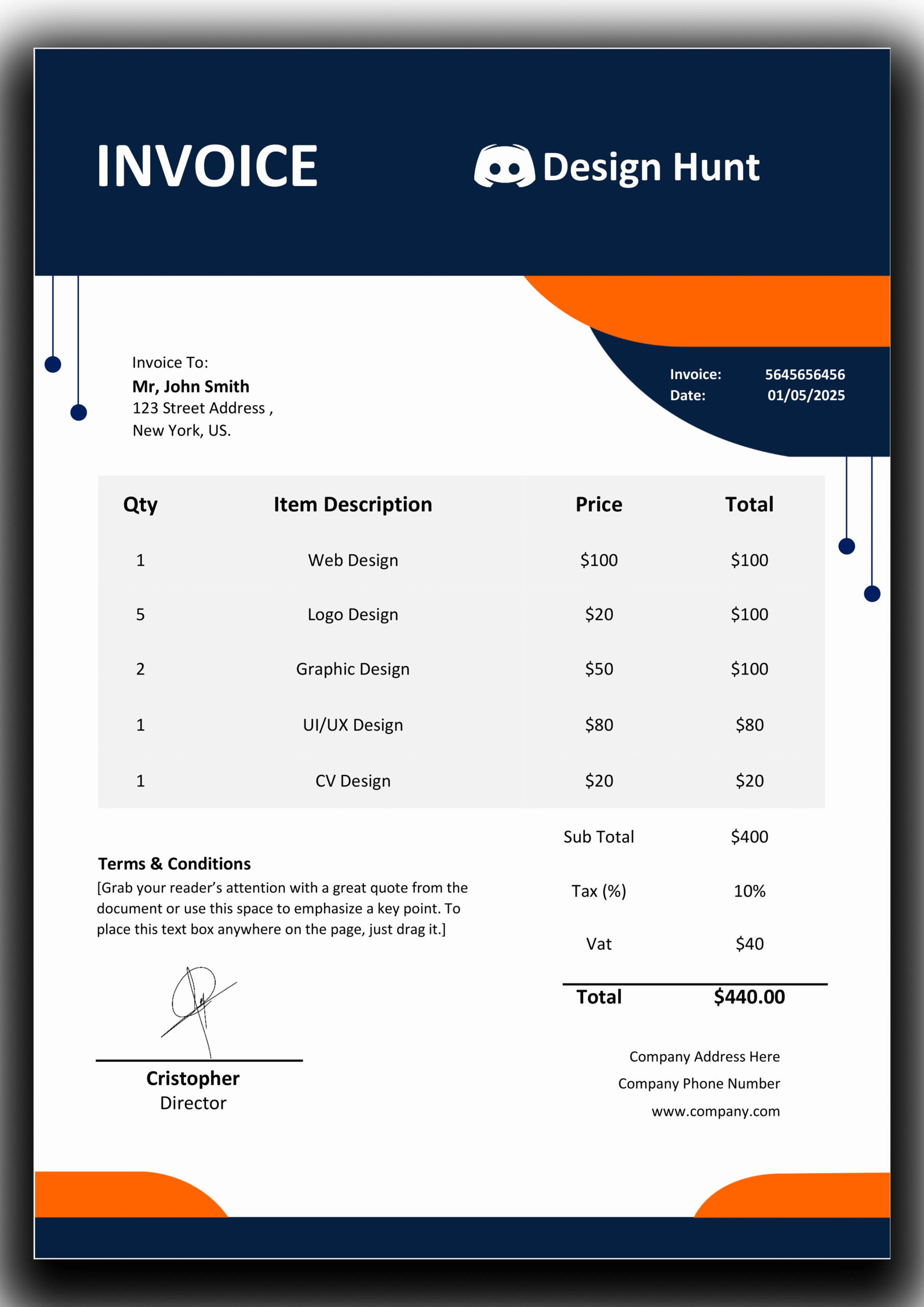
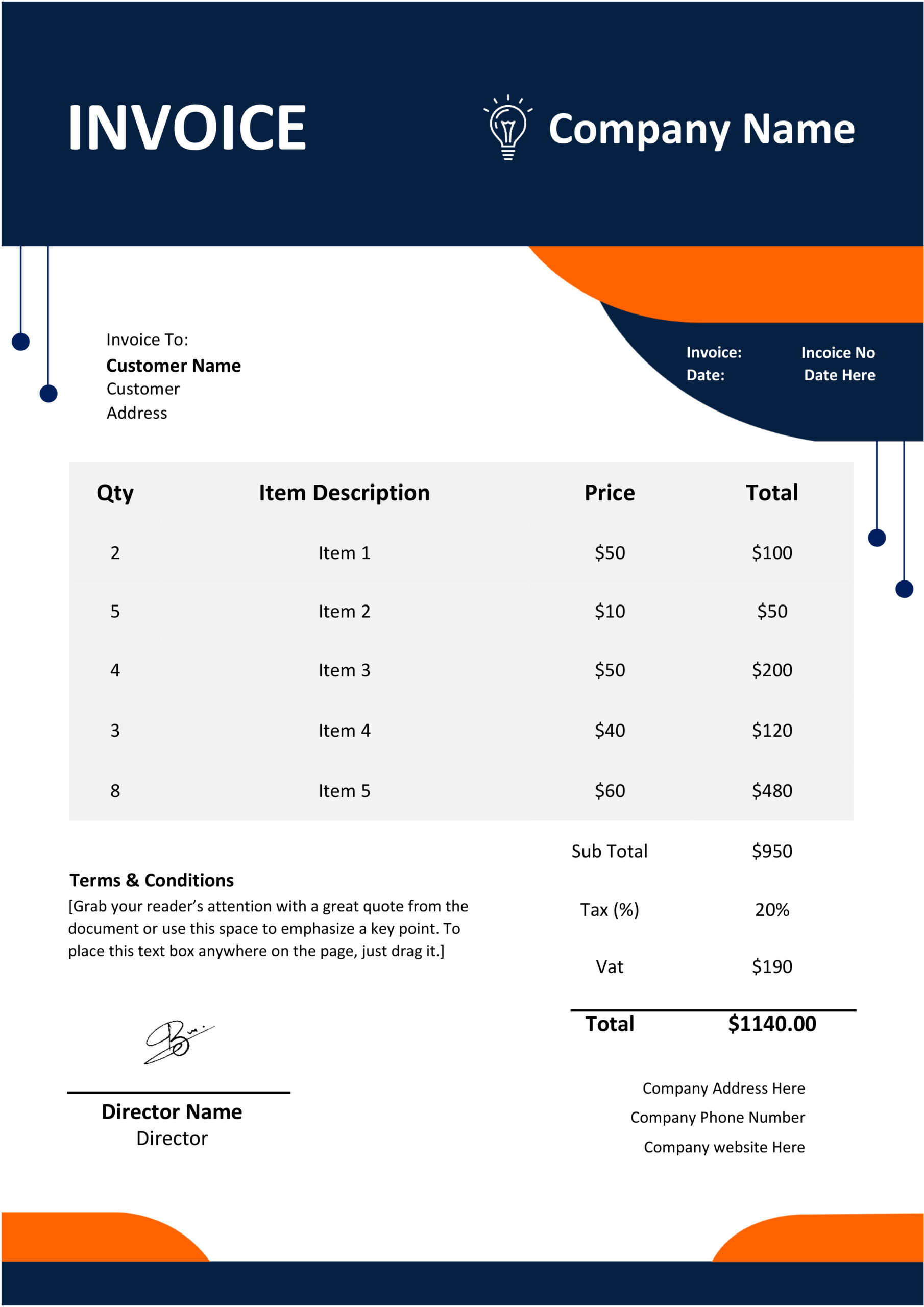
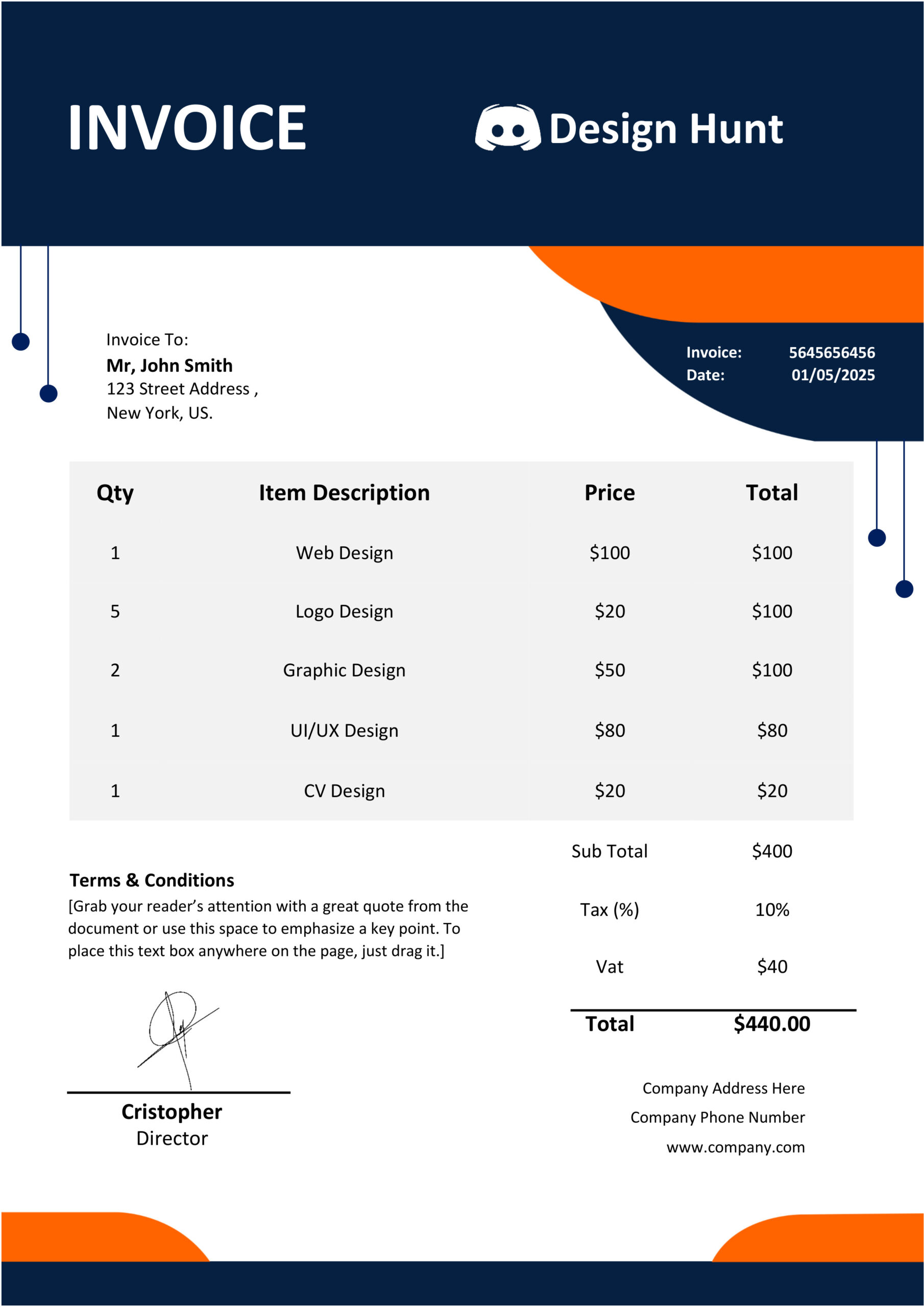
🧾 MS Word Invoice Template Design 22
📄 MS Word Invoice Template Design 22 – Editable and Instant Download
I was looking for a simple professional invoice template for my business and this one is perfect. It is designed for businesses, freelancers and agencies. It makes billing easy and efficient.
When you send invoices you want to make an impression. This template helps you do that. It makes every transaction look professional and reliable.
The template is easy to edit and print. I can customize it to fit my needs. It is a choice, for anyone who wants a premium billing experience.
In todays market your invoices are a reflection of your brand. This template helps you present your bills in an professional way.
✨ Product Speciality
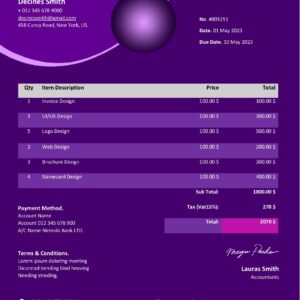
The Ms Word Invoice Template Design 22 is really something. It has a balance between looking good and working well. This template is different from the ones because it has a special grid system that keeps all your information lined up no matter how much stuff you add to it. The Ms Word Invoice Template Design 22 uses a font that is easy to read on the computer and on paper.
The Ms Word Invoice Template Design 22 has some features.
- * Dynamic Tables: You can. Remove lines from the tables in the Ms Word Invoice Template Design 22 without messing up the way it looks.
- * Color Consistency: The colors used in the Ms Word Invoice Template Design 22 are chosen so that they look professional even if you print them in black and white.
- * Organized Information: The Ms Word Invoice Template Design 22 has an order, to it from the person sending the invoice to the list of items and the payment details.
🚀
Why Choose The Ms Word Invoice Template Design 22?
Managing your finances should not be a problem. You are busy whether you work alone as a freelancer or you have a team in your agency. Your time is very important. If you choose the Ms Word Invoice Template Design 22 you do not need to buy graphic design software like Photoshop or Illustrator.
Most tools that make invoices automatically want you to pay every month.. The Ms Word Invoice Template Design 22 is different. You pay one time. You can use it forever. You can use it for clients, thousands of them. The Ms Word Invoice Template Design 22 is made for people who start their businesses and want things to be simple but also look good. The Ms Word Invoice Template Design 22 is a file so you can even change it on your phone if you have the Word app and you are not, at your desk.
🎨 Premium Features
- You can change everything in this template. The text, the logo, the colors and even the pricing table.
- It works well with Microsoft Word so you do not need any other software to use it.
- The invoice looks very professional and clean.
- You can print it on A4 or US Letter paper it is ready for that.
- If you are new to this do not worry there is a video that will teach you how to use it.
- This template is great for people who work on their own for agencies and, for companies.
- You have the freedom to edit Premium Features much as you want and you can use the template many times.
🛠️ How to Customize This Invoice
Customizing the Ms Word Invoice Template Design 22 is easy.
Here are the steps:
- * Open the File: Open Microsoft Word. Then open the.docx file you downloaded.
- * Update Branding: Right click on the logo and choose ‘Change Picture’. Then insert your company logo.
- * Edit Details: Click on the text and change the company name, address and client details.
- * Modify Colors: You can match the colors to your brand. Use ‘Shape Fill’ or ‘Text Color’ in Word to change anything.
- *. Send: When you’re done save it as a PDF, for a professional look or print it.
You can deliver it digitally. Give it to the client.
The invoice template is ready to use.
You can customize the Ms Word Invoice Template Design 22 in a minutes.
📦 What You Will Receive
- Invoice Template Design 22 (.docx file)
- Font Family Included
- Full Editing Video Tutorial
- Print-ready and 100% customizable layout
🖼️ Template Preview
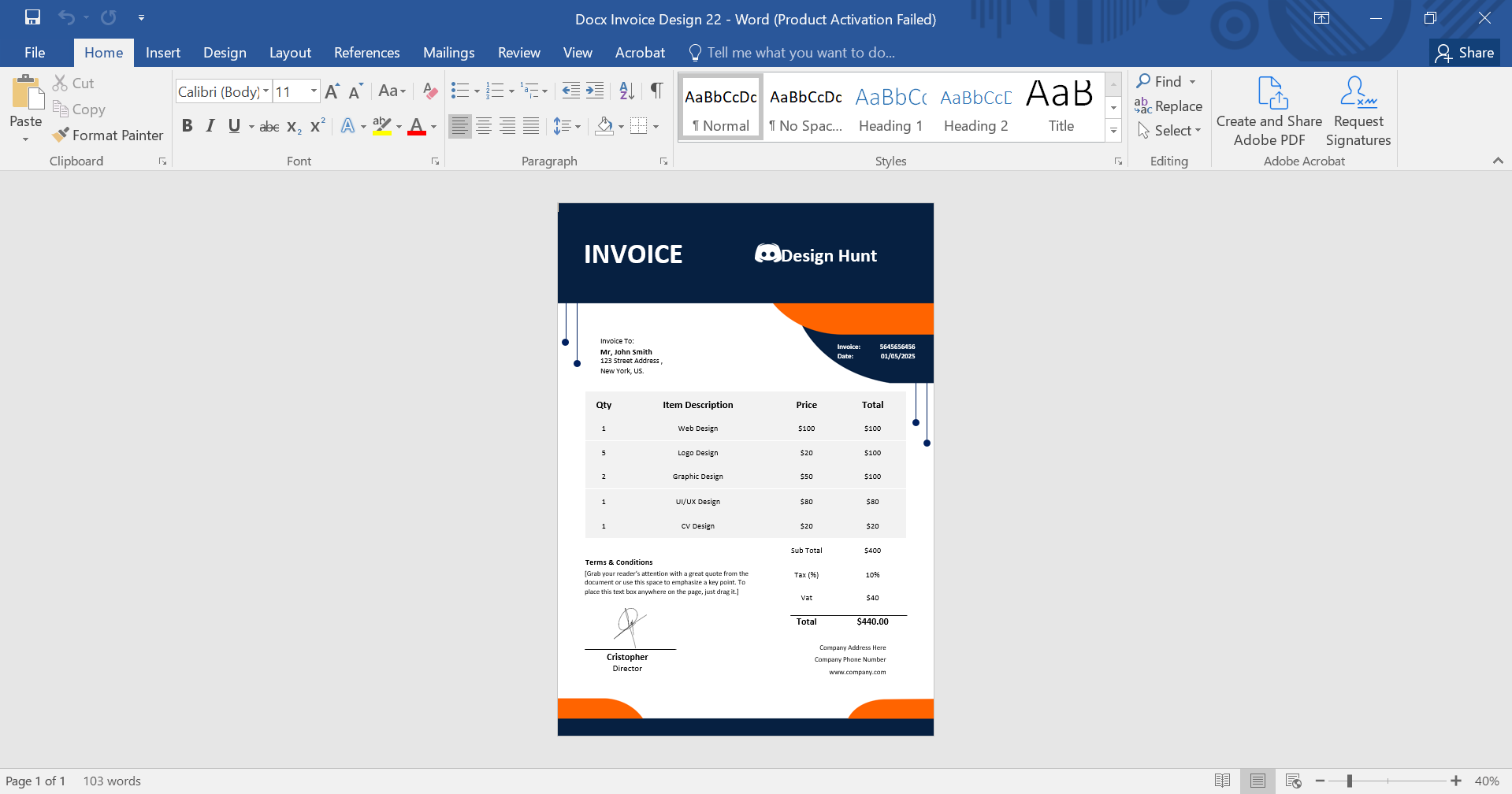
📈 Grow Your Business Image
A clear invoice helps get paid. When clients see an invoice they know exactly what they’re paying for including taxes, service charges and due dates. The Ms Word Invoice Template Design 22 has sections for ‘Terms and Conditions and ‘Payment Methods.’ This ensures you receive payments on time.
A standard invoice format is crucial, for businesses that sell products, physical goods or offer consulting services. It helps with taxes. Keeping track of finances. This template works well on devices and can be easily stored physically.
🎥 Video Tutorial – Editing Guide
📌 Common Uses
- Business Invoices & Billing
- Freelancer Payments & Client Billing
- Quotation, Estimates & Receipt Templates
- Corporate Accounting & Finance Management
- Service-based business documentation
💡 Pro Tip, for Users
You should always keep a “Master Copy” of the Ms Word Invoice Template Design 22. This Master Copy is very important. When you need to make an invoice you can use the ‘Save As option to give the file a new name. Try to include the Clients Name and Date in the file name. This way your original Ms Word Invoice Template Design 22 stays clean. You can easily find all your invoices. It helps you keep track of your business expenses and income in a way.
.
For official MS Word help, visit
Microsoft Support
📞 Need help? Contact anytime — support available 24/7.
Reviews
There are no reviews yet.