
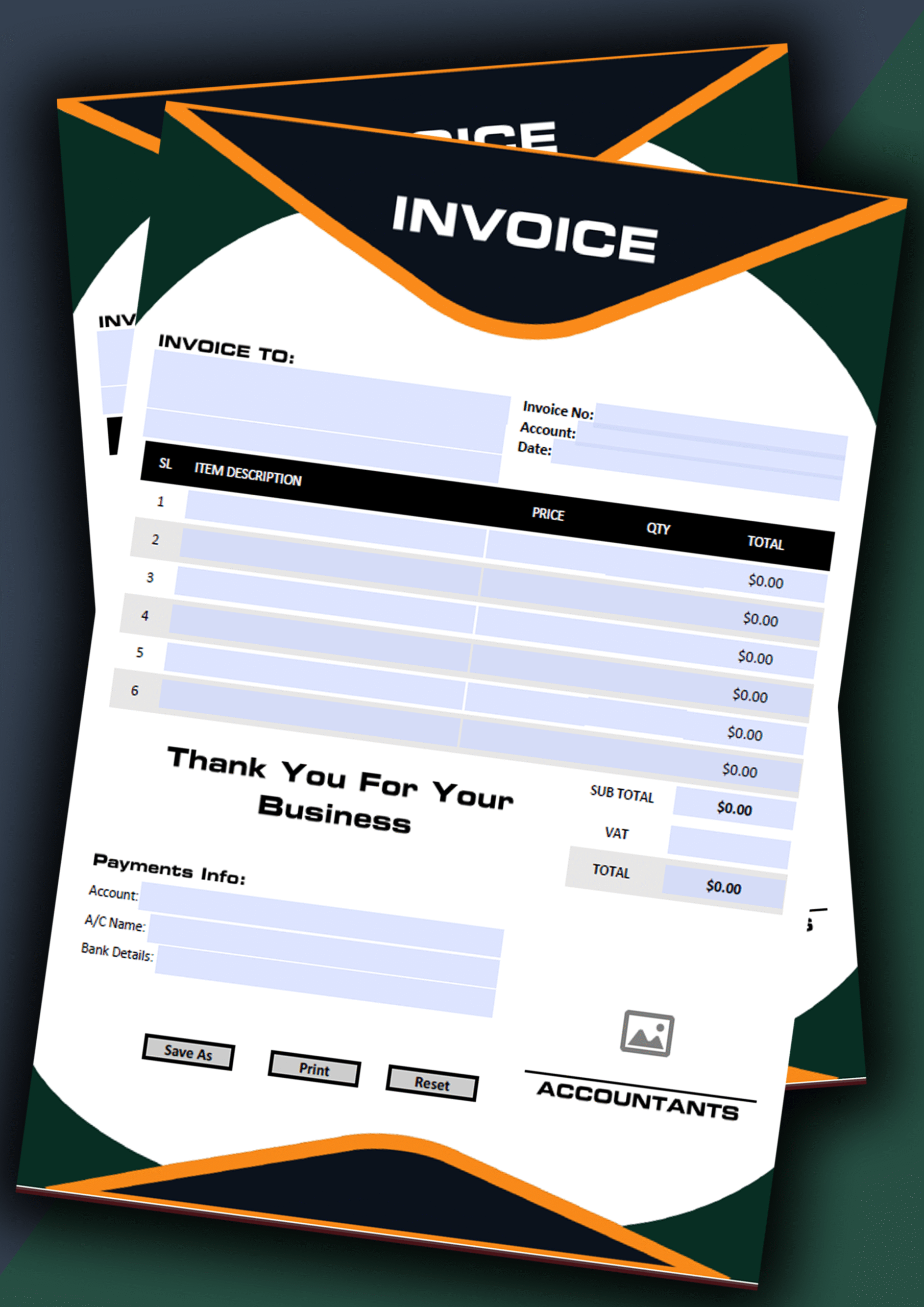
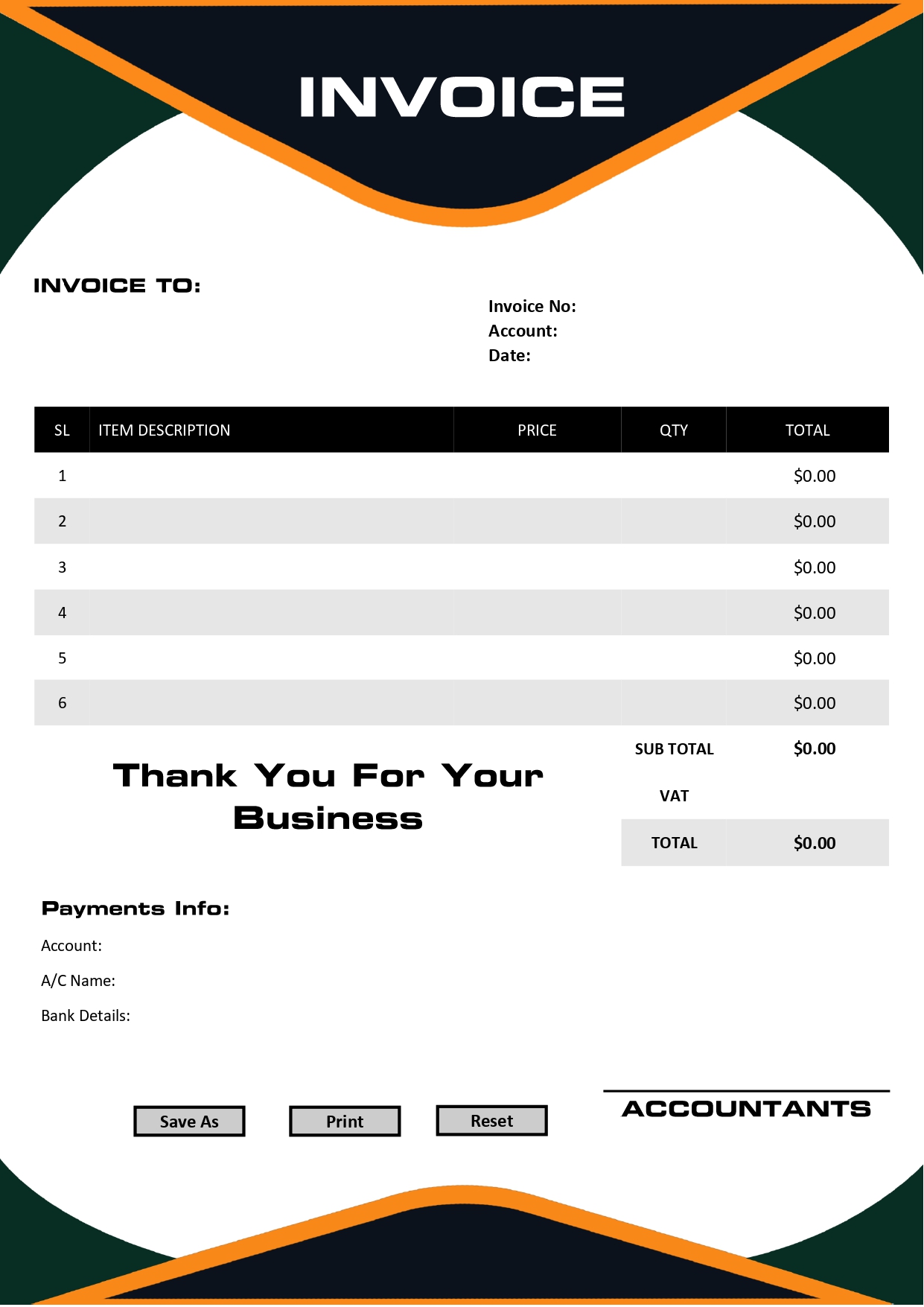
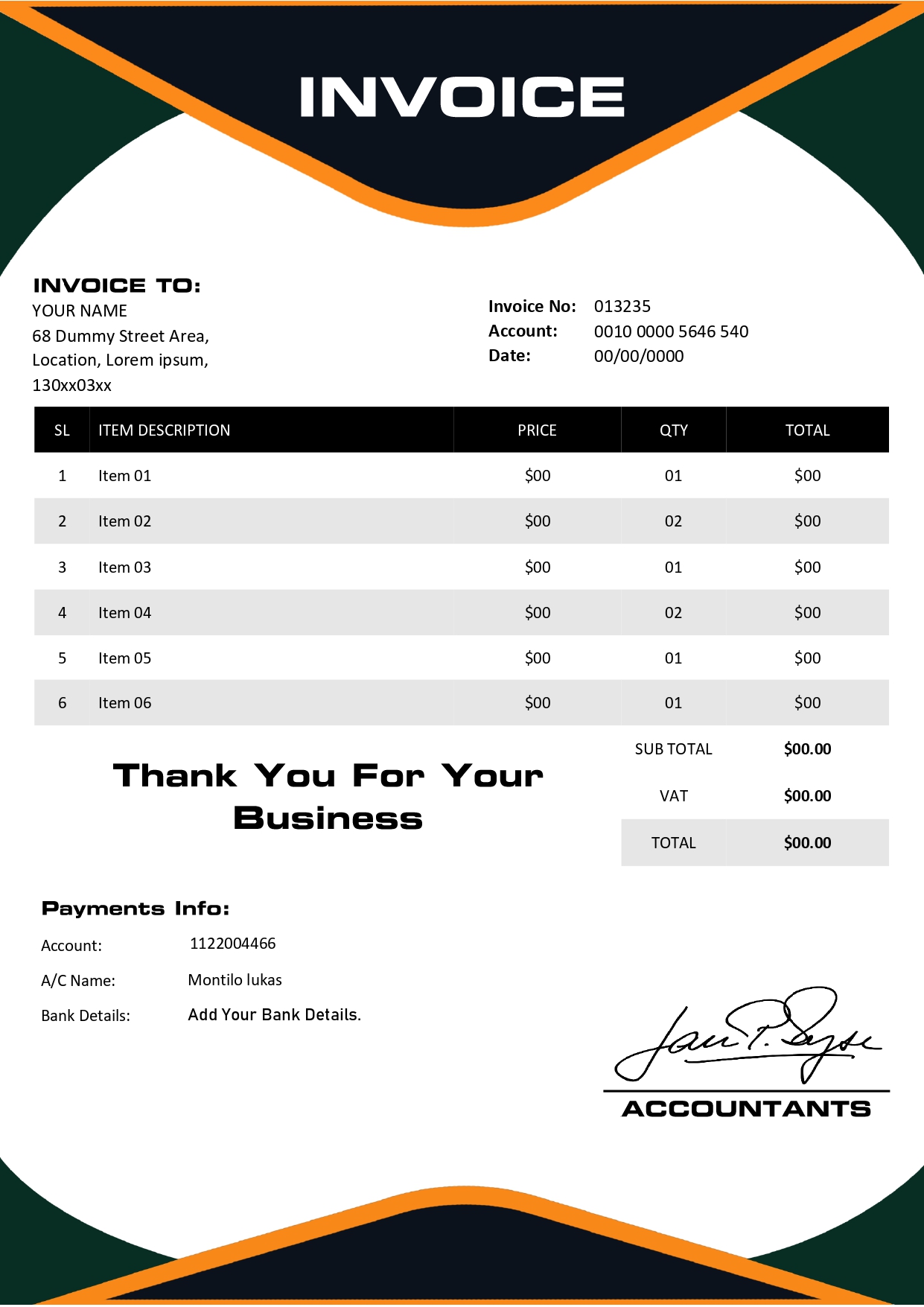
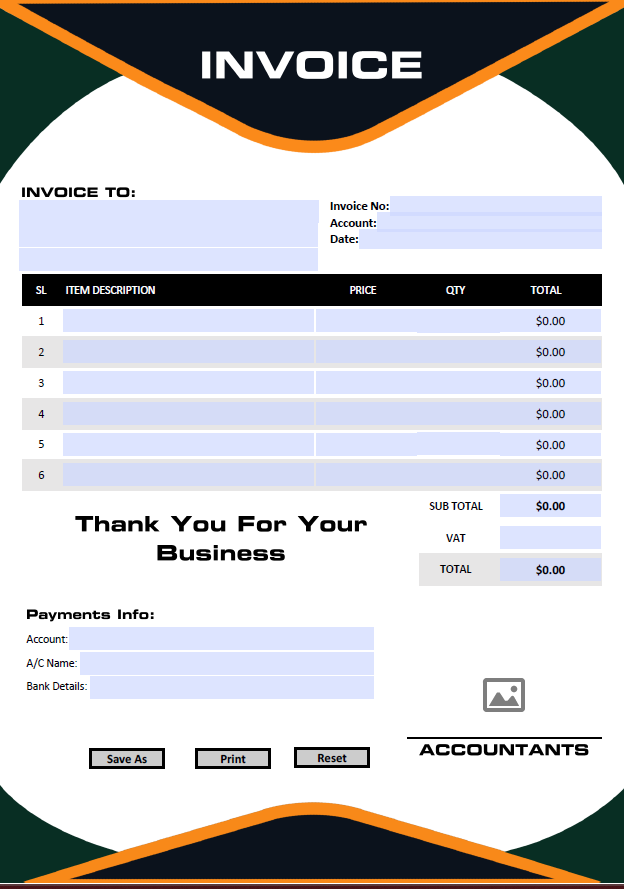
🚀 Fillable PDF Invoice Template Design 20 With Automatic Calculations
The Ultimate Fully Editable & Automated Invoicing Solution for Modern Creative Enterprises.
When you are running a business you want things to be easy on the eye and work well. If you are still using Word documents or Excel sheets to bill people you are probably spending a lot of time doing the things over and over and you might make mistakes that cost you money. Our Fillable PDF Invoice Template Design 20 is made to fix these problems. It is not a piece of paper it is a simple way to bill people that you can take with you made for people who work for themselves, companies and small business owners who want to look professional.
This design is called “Creative Modern” which means your bills will look nice and match the work that your company does. The Fillable PDF Invoice Template Design 20 can do math fast. When you put in what you did for someone it does the math for you away. To make it work well we think you should use a special program to look at PDFs, like Adobe.
📱 Visual Preview & Tutorial:
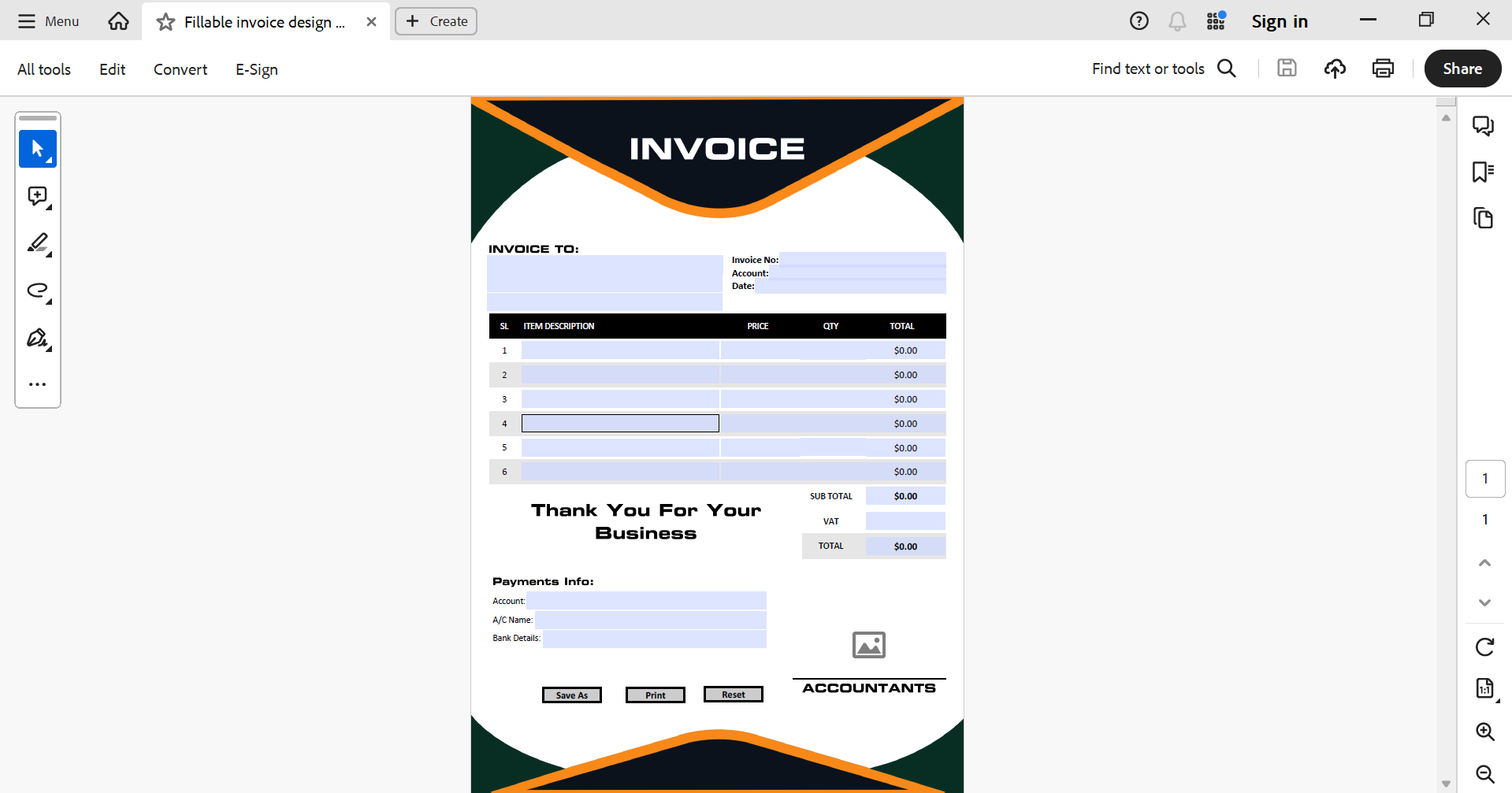
🎬 Watch the Customization Tutorial Below:
How to Setup Your Design 20 Template
Setting up your new billing system is incredibly straightforward. Follow these five simple steps to generate your first professional invoice:
- Open the Master File: Launch the Fillable PDF Invoice Template Design 20 using Adobe Reader or any compatible browser.
- Upload Logo: click the dedicated placeholder at the top to business logo for instant branding.
- Client Details: Fill in the interactive text fields with your client’s name, address..
- List Services: Add your line items. Watch as the Fillable PDF Invoice Template Design 20 automatically calculates the total for each row.
- Save and Export: Once finished, go to ‘File > Save As’ to create a unique PDF for your client while keeping your master template clean for future use.
Why This Template Over Traditional Software?
| Feature | Cloud Accounting | Design 20 PDF |
|---|---|---|
| Cost | Monthly Subscription | One-time Payment |
| Internet | Required to Login | Works Offline |
| Learning Curve | Complex Settings | Zero (Fill & Go) |
| Portability | App Dependant | Standard PDF File |
Advanced Technical Features
The layout is also optimized for “User Experience.” The fields are tab-indexed, allowing you to jump from one box to another using the ‘Tab’ key on your keyboard, significantly speeding up the data entry process during busy billing cycles.
Industry Specific Use-Cases
Our Fillable PDF Invoice Template Design 20 is currently the top choice for:
- 🔹 Marketers: Perfect for monthly retainer
- 🔹Developers: Ideal for based milestones.
- 🔹 Consultants: Excellent for hourly rate breakdowns.
- 🔹 Planners: Great for itemized vendor lists
Frequently Asked Questions (FAQ)
Q: i can use those template all of computer?
A: Yes! Your purchase includes a license that allows you to use the Fillable PDF Invoice Template Design 20 across your personal and business devices.
Q: What if I need to change the currency symbol?
A: The currency fields are fully editable , can easily replace the default symbol with USD GBP , EUR BDT, or any other currency of your choice
Q: Will the formulas work on mobile phones?
A: Yes, as long as you use the free Adobe Acrobat mobile app, the calculations in the Fillable PDF Invoice Template Design 20 will function perfectly.
Take Control of Your Billing Process
Don’t let manual errors slow down your payments. Download the Fillable PDF Invoice Template Design 20 today and join thousands of professionals who have streamlined their workflow.
✅ Verified Professional Grade
Our Fillable PDF Invoice Template Design 20 is tested for 100% accuracy and global compatibility.
![Fillable Pdf Invoice template design 22 [Fully Editable]](https://2nur.com/wp-content/uploads/2025/11/Main-Image-12-300x300.png)
Reviews
There are no reviews yet.