
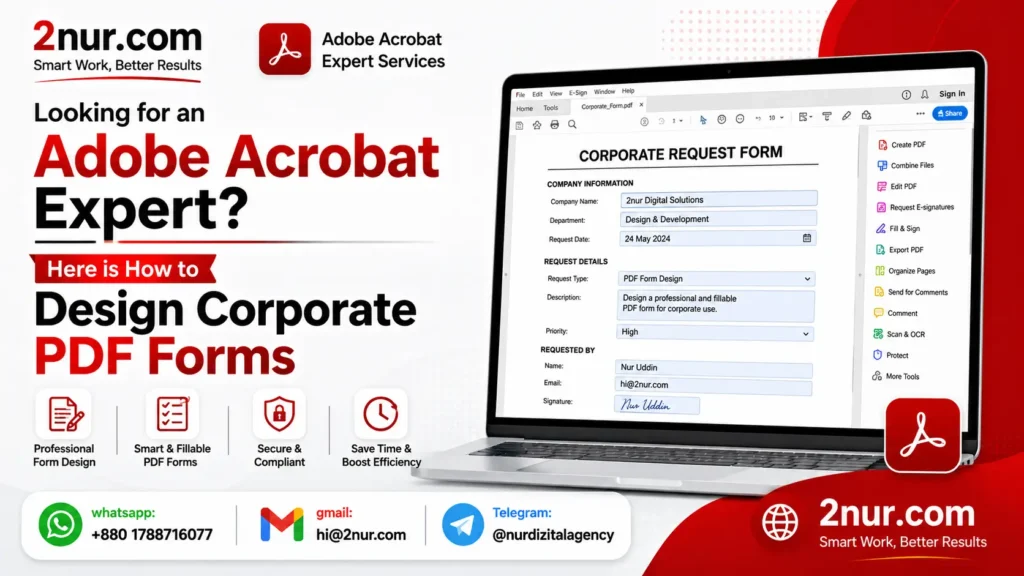
Looking for an Adobe Acrobat Expert? Here is How to Design Corporate PDF Forms
I still remember the first time someone asked me to fix a broken PDF form. It was a mess — fields that wouldn't save, calculations that didn't add up, and a client who was losing hours of productivity every week. That's when I realized that looking for an Adobe Acrobat expert isn't just about finding someone who knows the software — it's about finding someone who understands how forms actually work in real business scenarios.
Over the past seven years, I've designed hundreds of corporate PDF forms for companies of all sizes. Job applications, client intake forms, purchase orders, expense reports — you name it, I've built it. And I've learned that a well-designed form doesn't just collect data; it makes your entire workflow smoother. That's the real value of professional corporate PDF form design.
📚 What You'll Find in This Guide
Tutorial + Service- 1How to Design Corporate PDF Forms (Step by Step)
- 2My Pricing: $10, $20, or $30
- 3DIY vs. Hiring an Adobe Acrobat Expert
- 4Why Clients Hire Me for PDF Forms
- 5Features I Add to Corporate Forms
- 6Before & After Example
- 7Where Corporate Forms Are Used
- 8My Service Policy
- 9Contact Me to Start
- 10Common Questions
1. How to Design Corporate PDF Forms – A Practical Walkthrough
If you're looking for an Adobe Acrobat expert, here is how to design corporate PDF forms that actually work. I've been doing this for years, and here's the straightforward process I follow in Adobe Acrobat Pro:
- Start with "Prepare Form": Open your document in Acrobat Pro, go to Tools → Prepare Form. Acrobat will try to auto-detect fields. I usually disable this and place everything manually — it's slower but gives much better results.
- Add Your Fields: Use the toolbar to drag and drop text fields, checkboxes, radio buttons, dropdown lists, and signature fields. I always think about the user experience — what order makes sense? How can I make it easy to fill?
- Set Properties Carefully: Every field has properties. I set things like formatting (for dates, phone numbers, SSNs), required status, and default values. Tooltips are also really helpful — they tell users what to enter.
- Add Calculations and Logic: This is where many people get stuck. I use JavaScript or simplified field notation to add automatic calculations. For example, quantity × unit price = subtotal. Or conditional logic: if someone selects "Yes" to a question, show additional fields.
- Test Everything: I always test every field, every calculation, and every button. There's nothing worse than a form that freezes or miscalculates when a client is filling it out.
💡 My honest advice: If you don't have the time or patience to learn all this, that's totally fine. That's exactly why I offer my services. I've done this hundreds of times and can design your form faster and more reliably than you could doing it yourself.
2. My Pricing — Simple and Transparent
Up to 10 fields, basic branding
10-25 fields + dropdowns + signature
25+ fields, calculations, multi-page, advanced validation
⚡ Need it fast? Add +50% for rush delivery. Unlimited revisions are always included.
3. DIY vs. Hiring an Adobe Acrobat Expert — What's Actually Better?
I won't lie — learning Acrobat Pro properly takes time. The calculations require JavaScript knowledge, field formatting can be tricky, and one small mistake can break the whole form. If you have the time and enjoy learning software, go for it. But if you're busy running a business, it's probably not the best use of your time.
I've been working with Acrobat Pro for over seven years. I know all the shortcuts, the common pitfalls, and the best practices. What might take you three hours takes me thirty minutes. Plus, I guarantee the form works perfectly — no glitches, no broken calculations, no formatting issues. You pay a small fee and get back hours of your time.
4. Why Businesses Keep Coming Back to Me
When someone is looking for an Adobe Acrobat expert, here is how to design corporate PDF forms that actually get used — that's what I deliver. Here's what my regular clients tell me they appreciate most:
- I actually test the forms: Before I send you the final file, I fill it out myself. I test every field, every dropdown, every calculation. You'd be surprised how many "professional" form designers skip this step.
- I keep it simple: Some experts overcomplicate forms with unnecessary features. I focus on what your users actually need — clean fields, logical flow, and easy navigation.
- I'm available when you need me: I respond within a minute, even on weekends. If something needs fixing, I don't make you wait.
- I respect your time and budget: My pricing is straightforward. No upsells, no hidden fees. Just quality work at a fair price.
5. What I Actually Add to Your Corporate Forms
Short text, paragraphs, email, phone, date, SSN, custom masks
Single/multiple selection, mutually exclusive options
Country, department, product selection — you provide the list
Legally binding signature capture
Auto-sum, multiplication, conditional logic (if/then)
Reset, submit, print, custom JavaScript actions
6. Real Example: Before and After Corporate Form Design
Take a look at this real example. On the left is a flat, non-interactive PDF — basically just a scanned document. On the right is the same document, completely rebuilt as a professional fillable form with text fields, dropdowns, checkboxes, and a submit button.
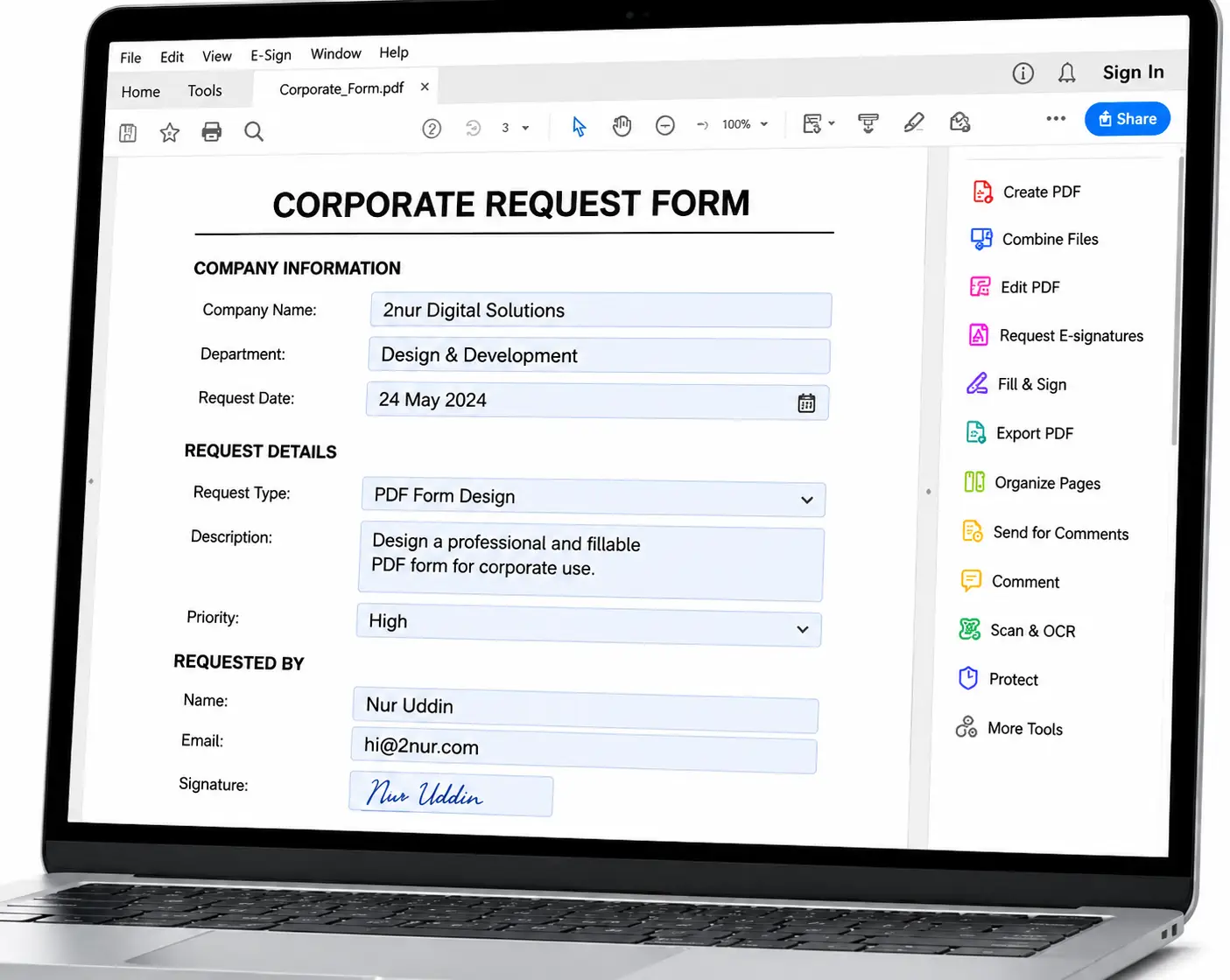
↑ Left: static document. Right: interactive corporate form with text fields, checkboxes, and signature area.
7. Where Corporate PDF Forms Are Actually Used
I've designed forms for all kinds of businesses. Here are some of the most common use cases:
- 🏢 HR & Recruitment: Job applications, new hire paperwork, performance reviews.
- 💰 Finance & Accounting: Expense reports, purchase orders, reimbursement forms.
- 📋 Client-Facing: Intake forms, service agreements, feedback surveys.
- ✅ Compliance & Audit: Checklists, safety reports, regulatory filings.
- 📊 Operations: Inventory requests, maintenance logs, timesheets.
- 🎓 Education & Training: Enrollment forms, course evaluations, test answer sheets.
8. My Commitment to You
- 🔒 Your documents are safe: I treat everything confidentially. I'm happy to sign NDAs if needed.
- 📁 Files are deleted after delivery: I keep your documents for 30 days, then permanently delete them.
- 🚫 No illegal work: I don't design forms for deceptive or illegal purposes.
- ✅ You must own the content: I need your permission to use any branding or content you provide.
- 📝 Source files available: If you need the editable Acrobat file, just ask.
9. Let's Get Started — I'm Here to Help
Here's how it works: Send me a message on WhatsApp or email. Tell me something like, "I need a job application form with name, email, position dropdown, and signature field" or "I have a Word document that I need turned into a fillable PDF with calculations." I'll reply within 1 minute with a fixed price and a delivery time estimate.
Learn more about what we do: 2nur.com | Contact Page
💰 $10 – $30 only
⚡ 30min-2hr delivery
🔄 Unlimited revisions
10. Frequently Asked Questions
I take your document — whether it's a Word file, a flat PDF, or even a scanned paper form — and turn it into an interactive, fillable PDF. This means your users can type directly into fields, select options from dropdowns, check boxes, sign digitally, and submit the form. It's all designed to look professional and work smoothly.
I reply within 1 minute — that's a promise. Simple forms with up to 10 fields are usually done in 30 minutes. Standard forms (10-25 fields) take about 1-2 hours. Complex forms with multiple pages and calculations can take 4-24 hours. I'll always give you a clear timeline upfront so you know exactly when to expect your form.
No problem at all. I offer unlimited revisions. If a field label doesn't look right, if a calculation needs adjusting, or if you simply want to add more fields — just tell me. I'll make the changes for free until you're completely satisfied. I want you to love the final result.
Yes, for simple forms with up to 10 fields. Standard forms (10-25 fields) are $20, and complex forms (25+ fields with calculations and multiple pages) start at $30. I quote you the exact price before we start, so there are no surprises.
Absolutely. I treat every document confidentially. I've signed NDAs for many clients. Your files are stored securely and automatically deleted 30 days after delivery. I never share client documents or information with anyone.
Yes, I do this all the time. Common examples: quantity × unit price = subtotal, subtotal + tax = total. I can also set up conditional logic — for example, if someone selects "Yes" to a question, additional fields appear. I use JavaScript and simplified field notation to make it work seamlessly.
Yes. Adobe Acrobat Reader is free on iOS, Android, and all computers. Your users can fill out the form on any device without installing anything special. I make sure the fields are accessible and easy to use on smaller screens.
Yes, I can add a submit button that emails the filled form data directly to you. The user clicks "Submit," and the form sends the data as a PDF or FDF file to any email address you specify. This is really useful for job applications, orders, or any kind of form submission.