
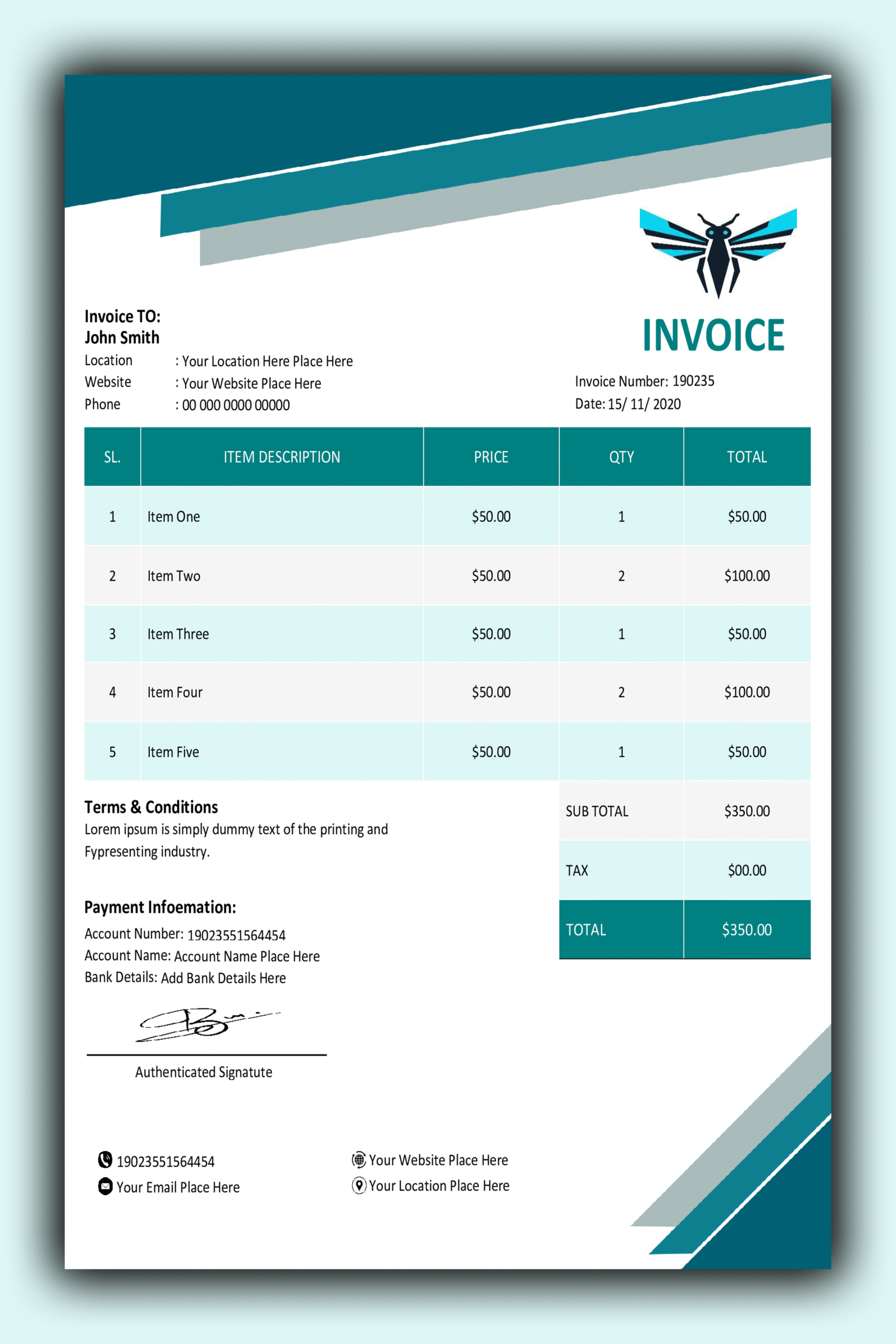
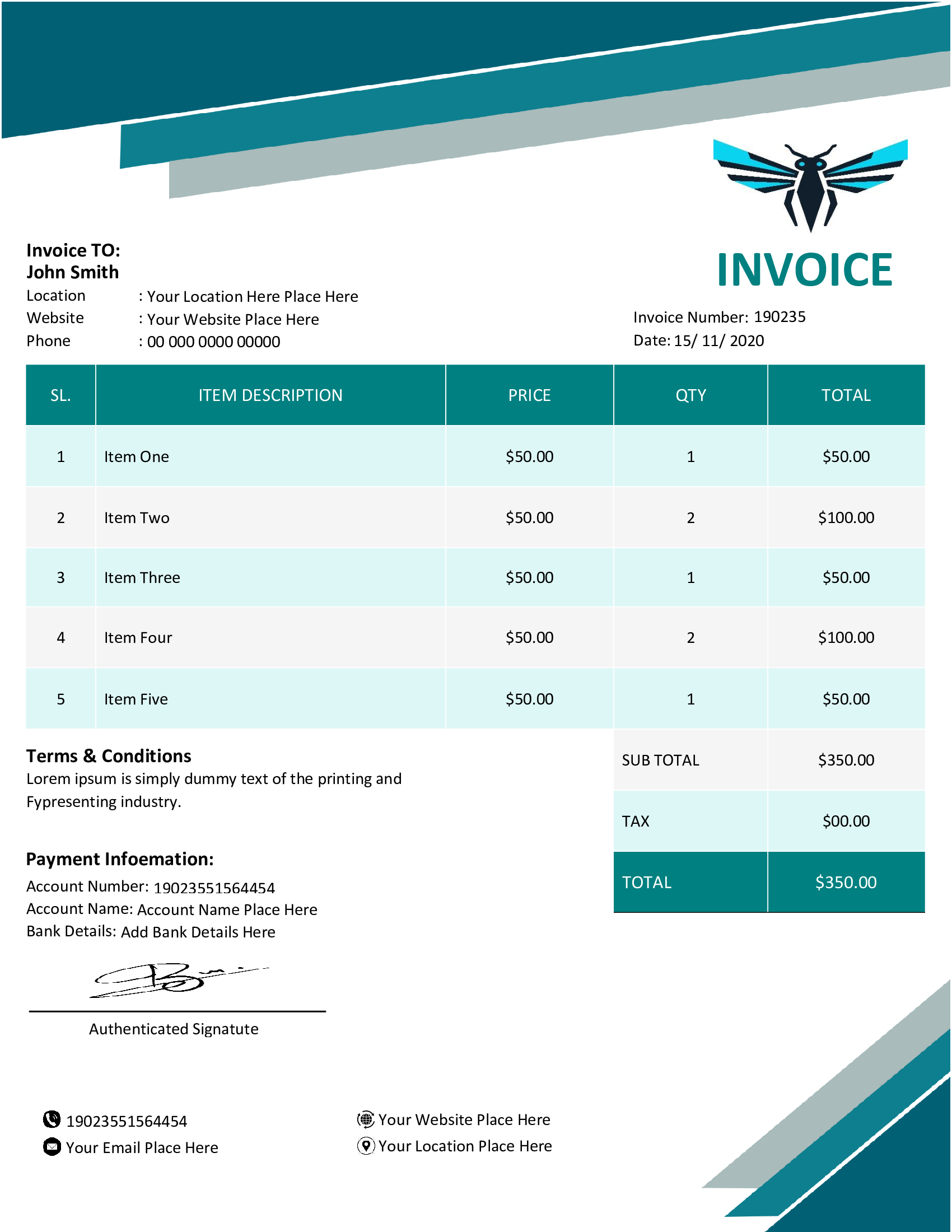
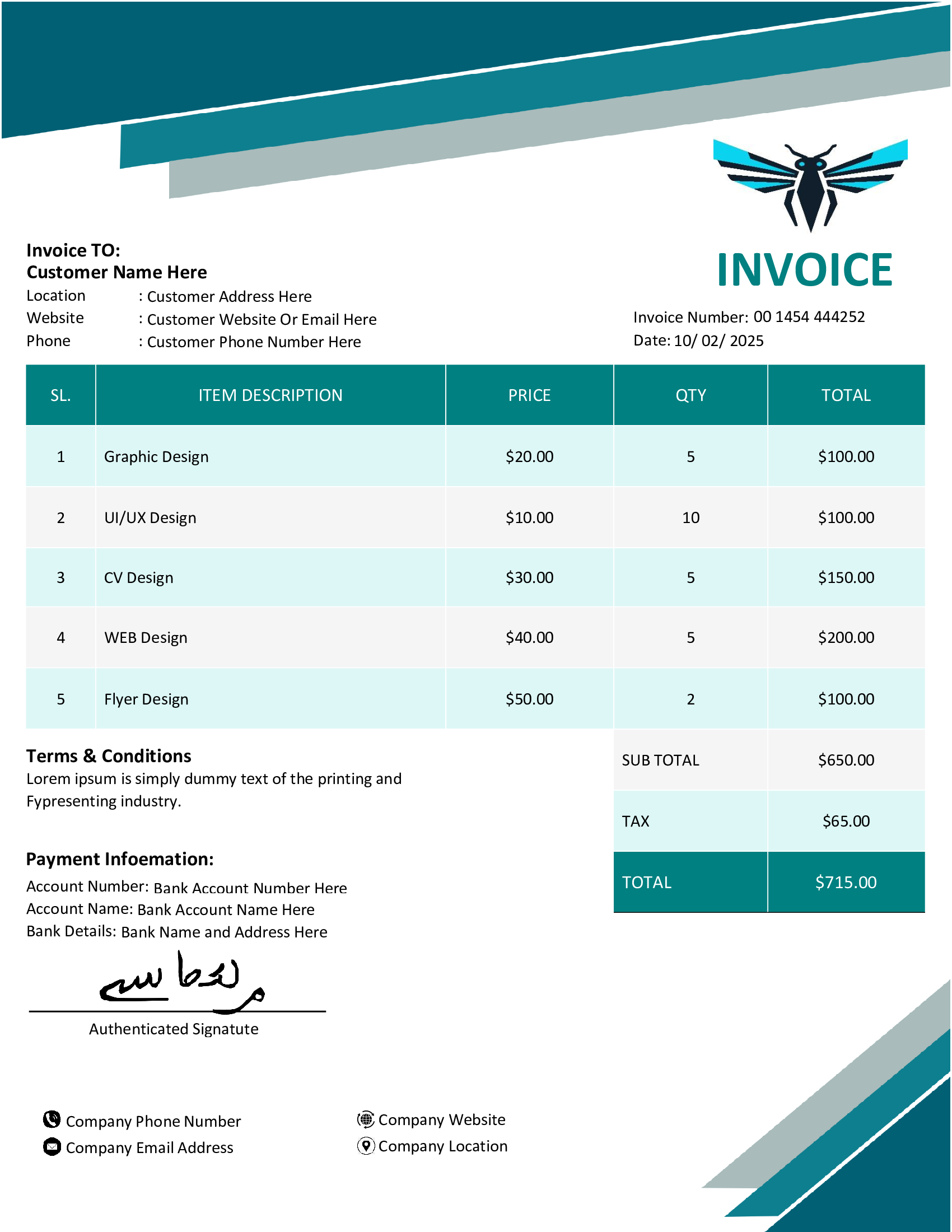
📄 Professional MS Word Invoice Template Design 16
The ultimate billing asset for modern enterprises. Download this layout and transform your financial paperwork today.
Streamline Your Billing Process
When you are running a business the documents you send out say a lot about your company. Every time you ask someone to pay you you are showing them how professional you are. If you use a document that looks messy people might not pay you right away and they might not trust you. That is why we made this billing solution. It helps you make documents that look great and are easy to understand just like the big companies do.
Our MS Word Invoice Template Design 16 is not just about looking good. It is also about being useful. You can use it to show your clients a lot of information like a list of what they are paying for, how much tax they owe and when they need to pay you. This template makes it easy for them to read and say yes to paying you. The best part is that it works with Microsoft Word, which you probably already know how to use. So you do not have to learn some fancy design program to make your documents look like they were made by a big agency. You can make MS Word Invoice Template Design 16 work, for you. Get the same great results.
⭐ Core Facilities & Benefits
🚀 Rapid Deployment
When you use this -built file you do not have to start from the beginning and build everything from scratch. All you have to do is open the document put in your data and then you can start billing with the pre-built file. The pre-built file makes it easy for you to get started and send bills to your clients using the -built file.
🎨 Brand Versatility
Your brand can be really bright and colorful. It can be very simple. Either way the MS Word Invoice Template Design 16 can be changed to fit the colors you like. You can use your Hex codes and custom colors with the MS Word Invoice Template Design 16.
📊 Financial Clarity
When you have columns that line up perfectly it is easy to see your totals, your subtotals and your taxes. This really helps to cut down on arguments with clients, about their bills.
📁 Universal Export
This layout is designed to work when exported as a PDF. A PDF is the way to share professional documents safely across different platforms.
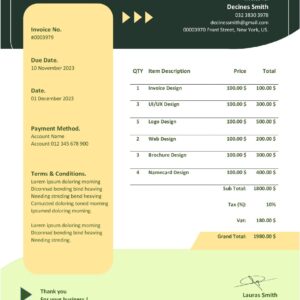
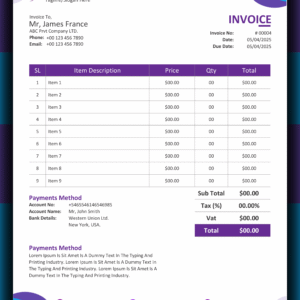
🖼️ Visual Preview of Design 16
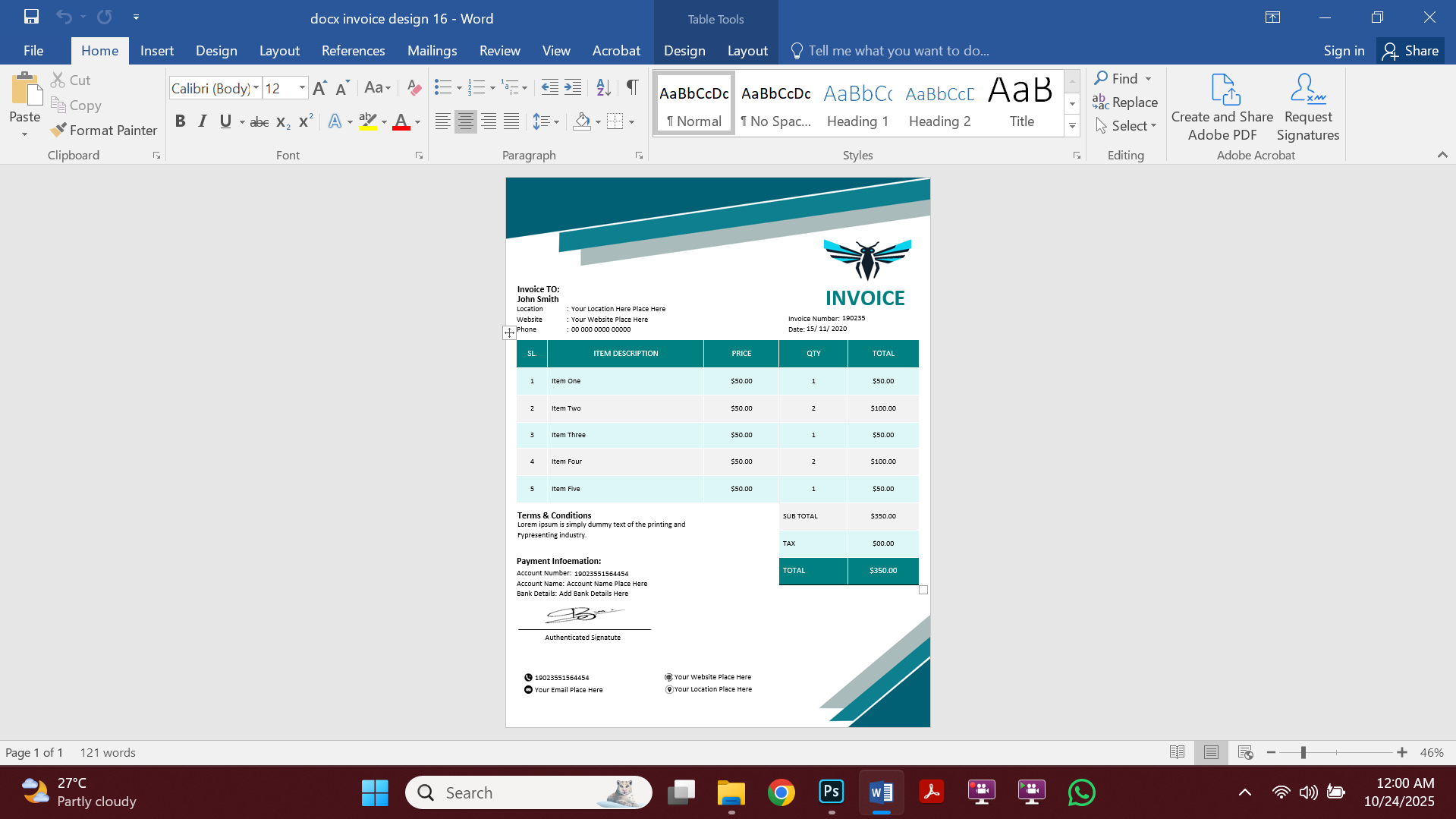
🎥 Step-by-Step Customization Video
Learn how to maximize the potential of your MS Word Invoice Template Design 16 with this quick video guide.
Standardizing Your Business Records
When you use an invoicing system you get a lot more than just a file. You get a way of doing things. Using the invoice format every time is important for accounting. This is part of the rules that accountants follow which are called GAAP. You can find out more about these rules from the Financial Accounting Standards Board. Keeping your records neat and tidy makes it easier to do your taxes and deal with audits if you are a business owner.
We also picked fonts that’re easy to read and look good together. If you use the font your document can look like it was not made by a real company. This MS Word Invoice Template Design 16 uses fonts that look strong and reliable which helps people trust you and think you will be successful, for a time.
🛠️ Premium Features at a Glance:
- ✅ You can move any section around to fit the needs of your data or the details of your project.✅ The graphics are really clear. They will print nicely on every page because they are made with vectors.
✅ Microsoft Word Invoice Template Design 16 works, with Microsoft Word 2016. It also works with the latest Office 365 updates.
✅ You can download Microsoft Word Invoice Template Design 16 away after you pay for it securely.
📝 Step-by-Step Editing Guide
Setting up your billing system is really easy. To get the most out of your document do these things:
* Extract Files: Open up the folder you bought and find the MS Word Invoice Template Design 16 DOCX file
* Install Font Assets: Before you start using Word, put in the fonts that came with it. This will make your invoice look really nice like the picture you saw.
* Brand Customization: Click on the part of the page where it says header. This is where you put your company logo and your contact information.
* Data Entry: Now fill in the table with all the things you need to bill for. If you have a project you can add more lines. If it is a small job you can keep it simple.
* Export: When you are all done save your invoice as a PDF file. This way the person you send it to cannot change anything on the invoice.
❓ Common Questions About Invoicing
Is this layout good on phones?
Yes you can edit this file using the Word app on tablets or smartphones though it is better to use a desktop for the control over how things look.
Can I use this for clients from countries?
Yes you can use the MS Word Invoice Template Design 16, for clients. The MS Word Invoice Template Design 16 is very flexible so you can change the money symbols and the way dates are shown to fit any place.
Need a Tailor-Made Billing Solution?
If this specific design requires custom adjustments to fit your unique business model, our team is here to help. We offer bespoke design services for those who want a truly unique identity.
Premium Support for Your Purchase
We stand by our products. If you encounter any technical difficulty with your MS Word Invoice Template Design 16, our support team is available 24/7.
Reviews
There are no reviews yet.