
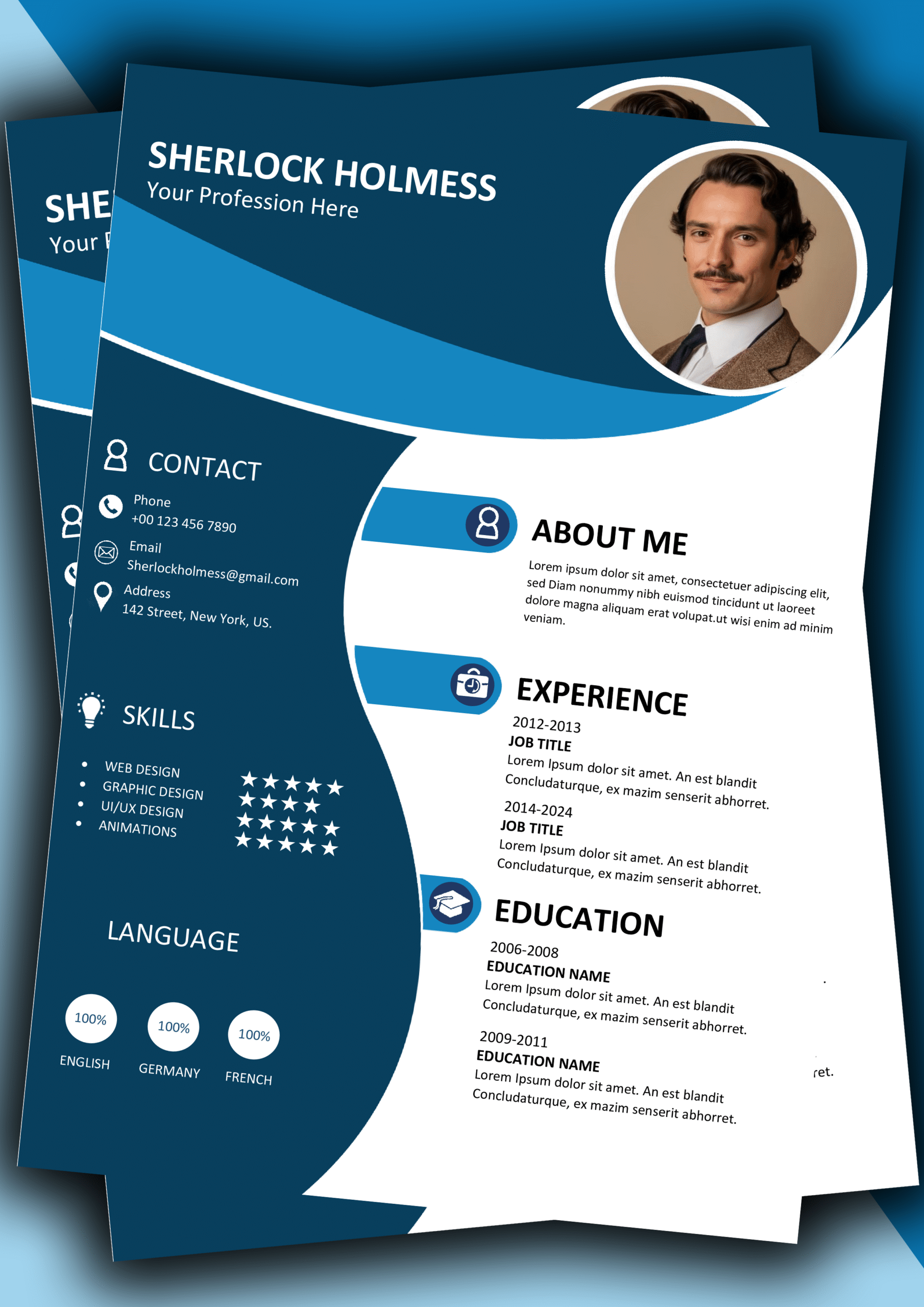
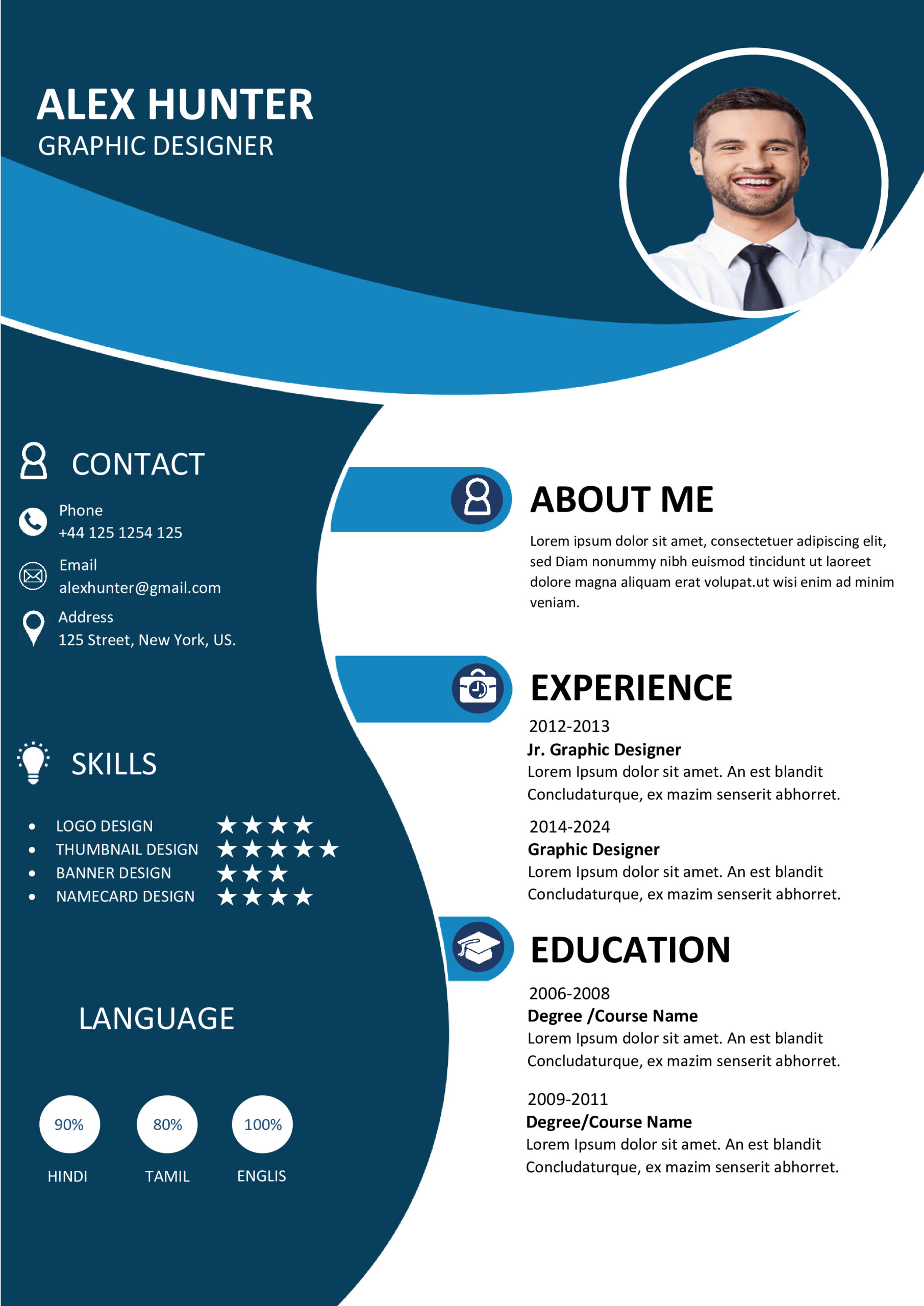
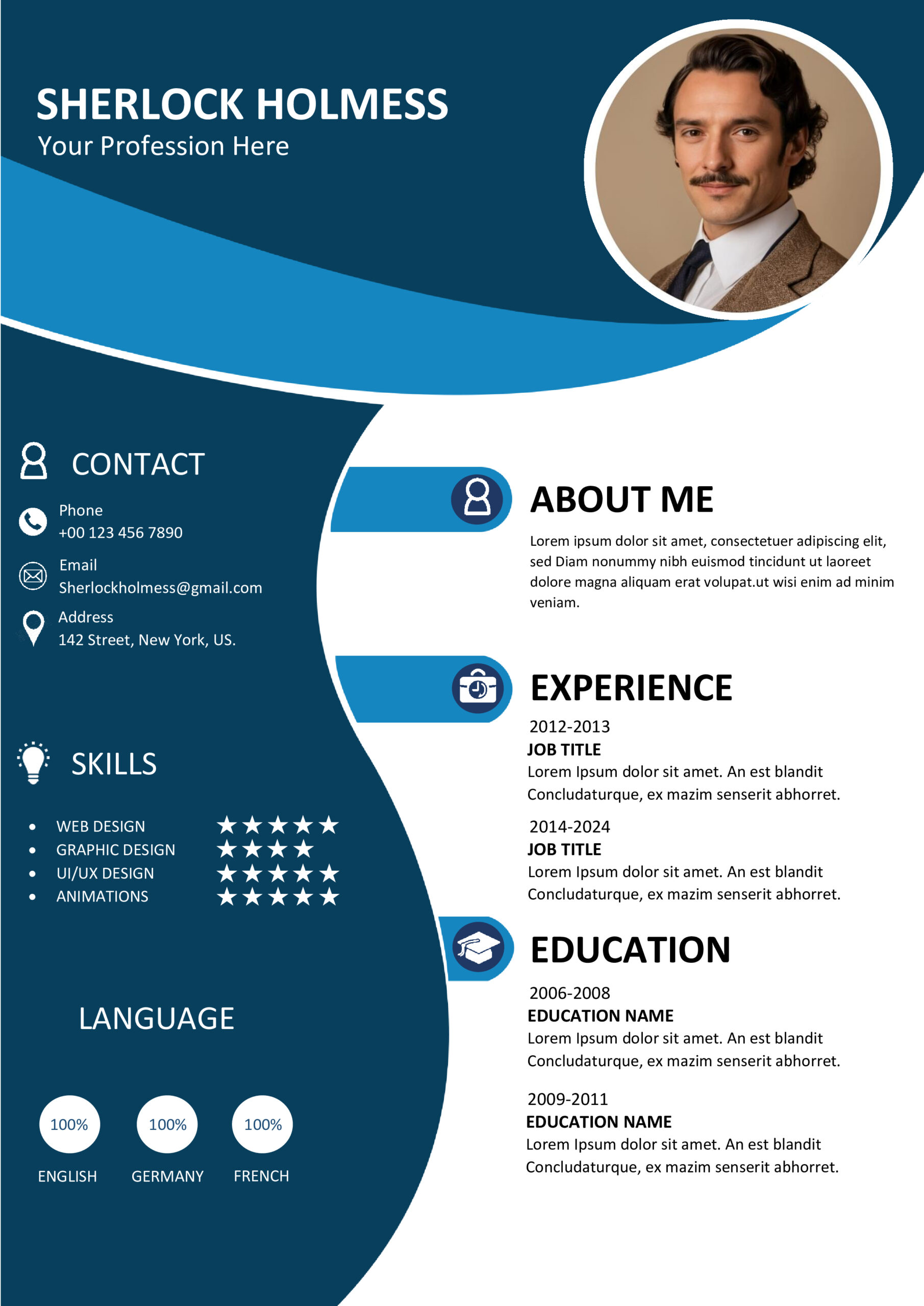
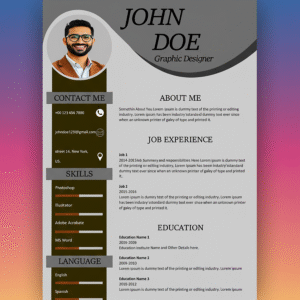
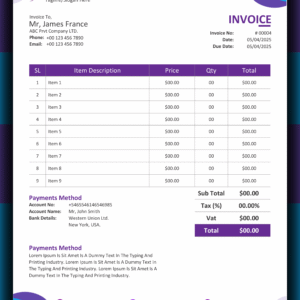
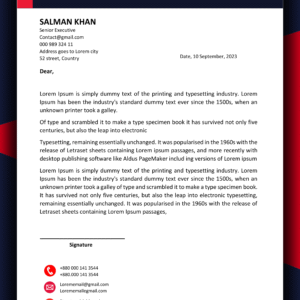
📝 MS Word CV Design 9 – Fully Editable & Instant Download
Land your dream job with the MS Word CV Design 9. This premium, recruiter-approved resume template is engineered to bridge the gap between your skills and a hiring manager’s expectations.
🎨 Premium Design Features
- 100% Customization: Modify text, colors, and fonts in Microsoft Word effortlessly.
- ATS-Optimized: This layout is built to pass through Applicant Tracking Systems used by major global firms.
- Universal Typography: Uses clean, professional fonts compatible with all modern operating systems.
- Instant Download: Get immediate access to your digital file after a secure checkout.
📦 What is Included?
- The Master File: One premium MS Word CV Design 9 (.DOCX).
- Optimization Guide: Learn how to align your profile with LinkedIn best practices.
- Icon Assets: Professional SVG/PNG icons for contact details and skills.
- Video Tutorial: A full walkthrough on editing this specific template.
🚀 Why Choose This Specific CV Template?
A Recruiter’s Perspective
Did you know recruiters spend only 6 seconds on a resume? The MS Word CV Design 9 uses a strategic visual hierarchy that guides the reader’s eye directly to your achievements and core competencies, ensuring you pass the initial human scan.
Error-Free Formatting
Formatting a resume from scratch can be a nightmare—margins shift, and bullet points break. This document is built on a stable grid system, allowing you to copy and paste your text without ruining the professional layout.
✨ Key Facilities & Product Advantages
🖼️ Template Preview Gallery
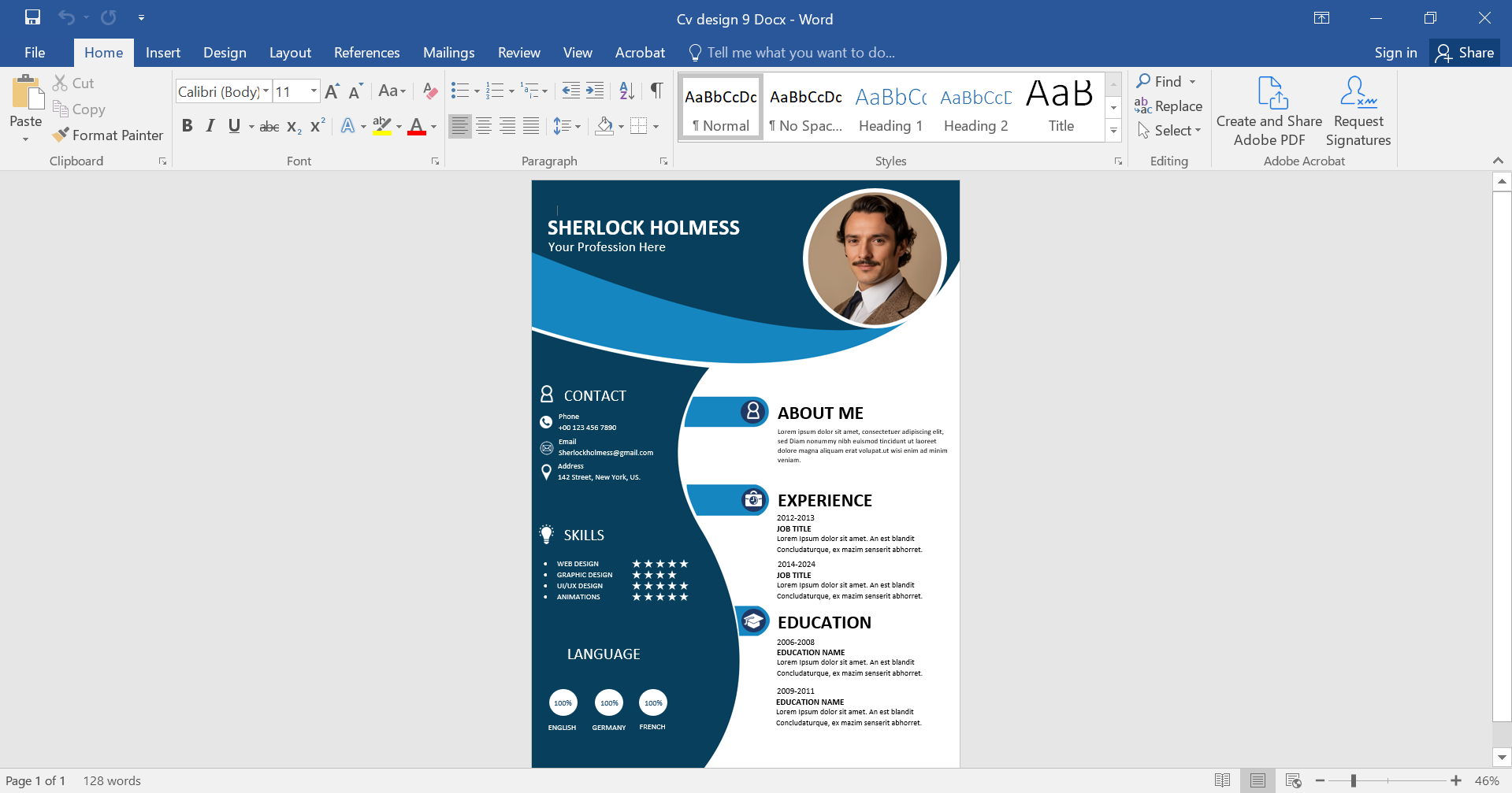
🎥 Video Tutorial: Customizing Your File
Why Investing in a Premium CV Template Matters
The job market is evolving, and a standard, plain-text resume is no longer enough to catch the attention of top-tier recruiters. By using the MS Word CV Design 9, you are prioritizing your professional image. This template isn’t just about “looking good”—it’s about information architecture. We have carefully calculated the whitespace-to-text ratio to reduce cognitive fatigue for the reader. When a hiring manager opens your application, they see a candidate who is organized, detail-oriented, and modern.
Furthermore, technical compatibility is a cornerstone of this product. Many free templates found online use text boxes that “break” when scanned by Applicant Tracking Systems (ATS). This digital download avoids these common pitfalls. It uses standard formatting layers that ensure your data—like job titles, dates, and skills—is correctly indexed by AI-driven hiring bots. Whether you are applying for a remote role or a local executive position, the MS Word CV Design 9 provides the reliability you need.
Additionally, we encourage users to pair this layout with high-quality content. A great design works best when you quantify your achievements. Instead of saying “Managed a team,” use our suggested sections to say “Led a team of 10 to increase revenue by 20%.” This combination of professional design and powerful content is what turns applications into interviews. By purchasing the MS Word CV Design 9, you are not just buying a file; you are investing in a career tool designed to get results.
Frequently Asked Questions
Is this template easy to use for beginners?
Yes! If you can type in Word, you can use the MS Word CV Design 9. No advanced design skills are required.
Can I change the colors of the document?
Absolutely. Every color element can be changed with just two clicks using the “Shape Format” tool in Microsoft Word.
Is the file compatible with Google Docs?
While specifically optimized for Word, the MS Word CV Design 9 can be imported into Google Docs, though some minor formatting adjustments may be needed to maintain the exact look.
Start Building Your Future Today
Take the first step toward your next career breakthrough.
 WhatsApp Chat
 Telegram Chat
 Email Support
Reviews
There are no reviews yet.