
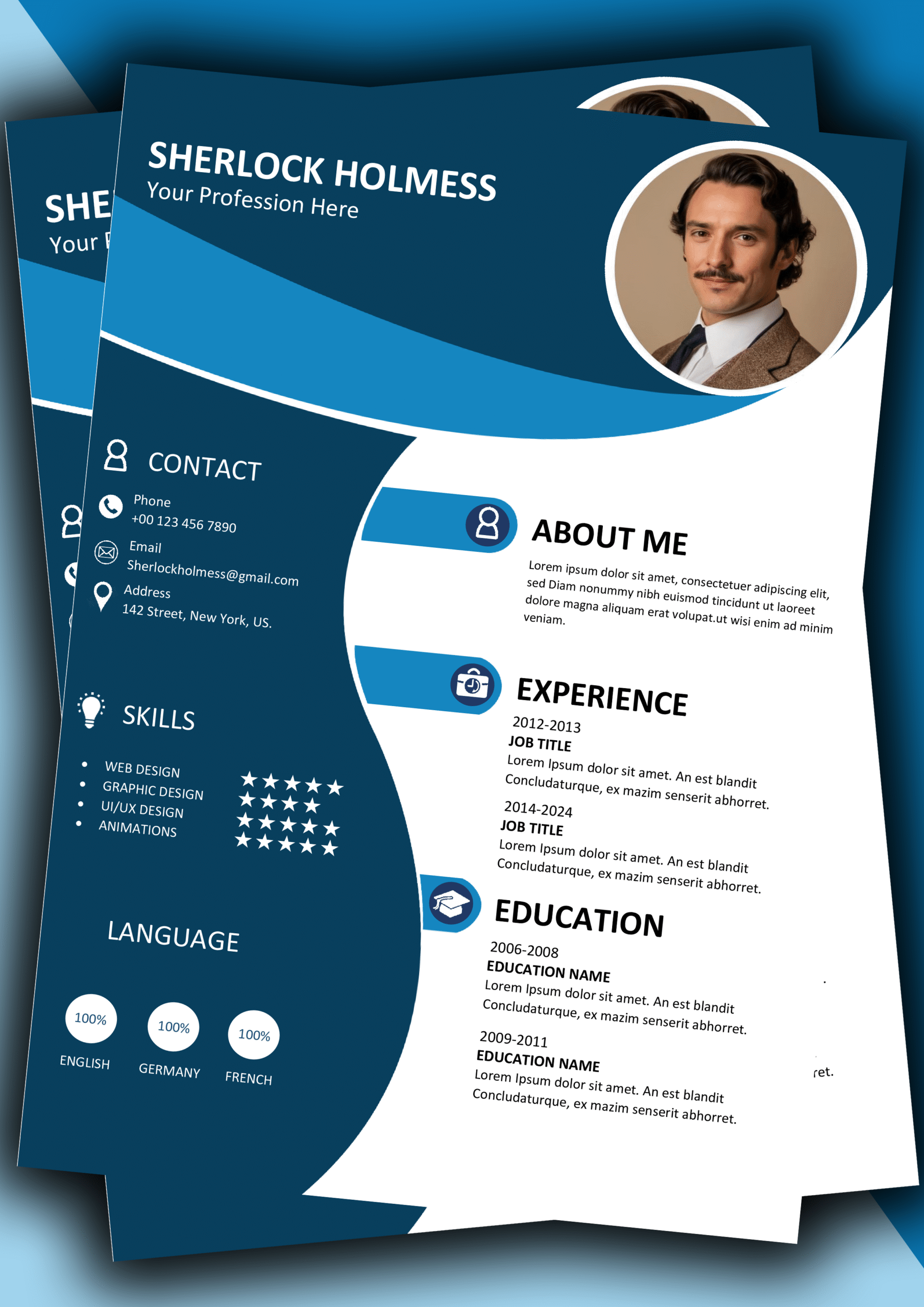
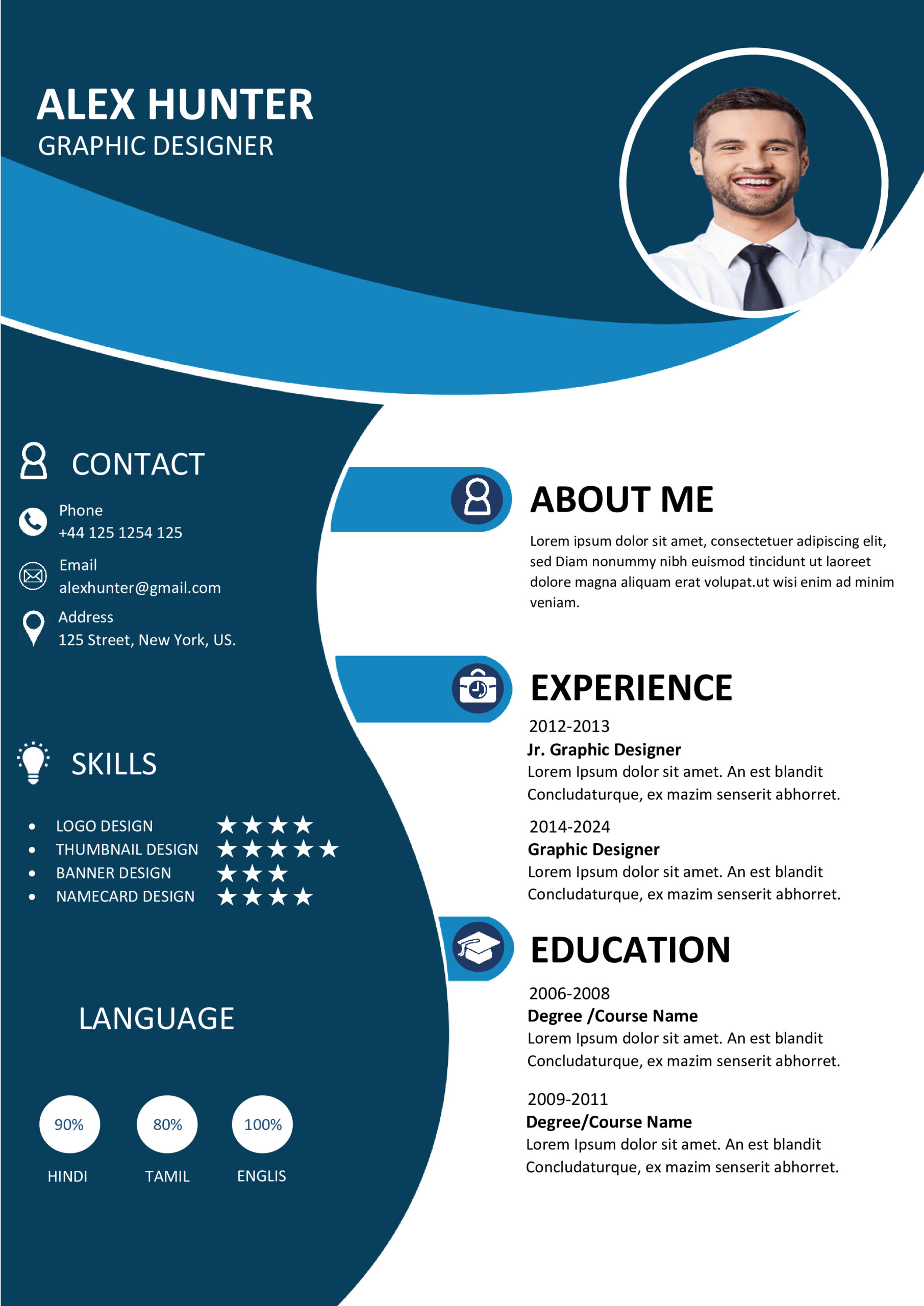
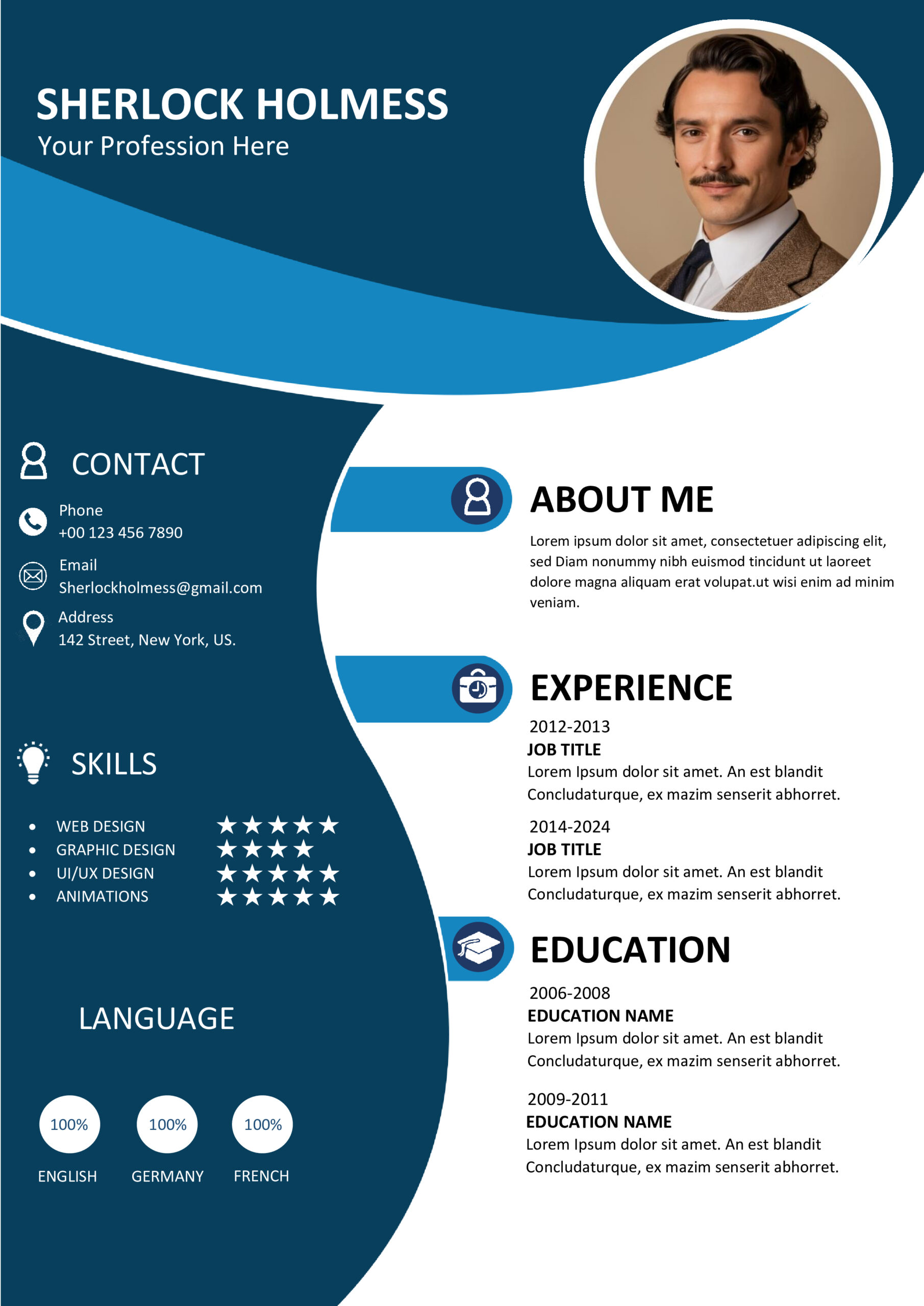
📝 MS Word CV Design 9 – Fully Editable & Instant Download
Get the job you really want with the MS Word CV Design 9. This is a resume template that hiring managers like. It helps connect what you can do with what they’re looking for in a person. MS Word CV Design 9 is a tool to have when you are looking for a job. It makes your resume look good, to the people who hire.
🎨 Premium Design Features
- You can change the text, colors and fonts, in Microsoft Word easily with this.The layout is made to work with the systems that big companies use to look at job applications.
This uses professional fonts that work on all modern computers.
You can get the file away after you pay for it safely.
📦 What is Included?
- The Master File: One premium MS Word CV Design 9 (.DOCX).
- Optimization Guide: Learn how to align your profile with LinkedIn best practices.
- Icon Assets: Professional SVG/PNG icons for contact details and skills.
- Video Tutorial: A full walkthrough on editing this specific template.
🚀 Why Choose This Specific CV Template?
A Recruiter’s Perspective
You should know that people who hire spend little time looking at a resume. They only look at it for 6 seconds. The MS Word CV Design 9 is made in a way that helps the person reading it see the things about you like what you have achieved and what you are good, at when they first look at it. This helps you get past the step, which is a person looking at your resume.
Error-Free Formatting
Formatting a resume, from the start can be really tough. Margins move around. Bullet points get messed up.
This document is built on a grid so you can just copy and paste your text without messing up how it looks.
It helps you keep a layout.
✨ Key Facilities & Product Advantages
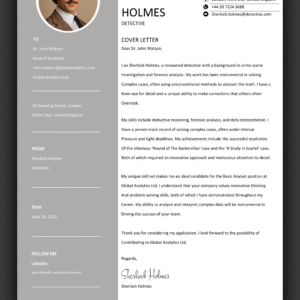
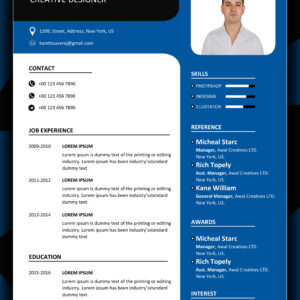
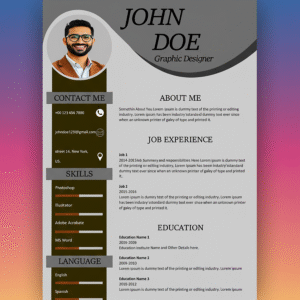
🖼️ Template Preview Gallery
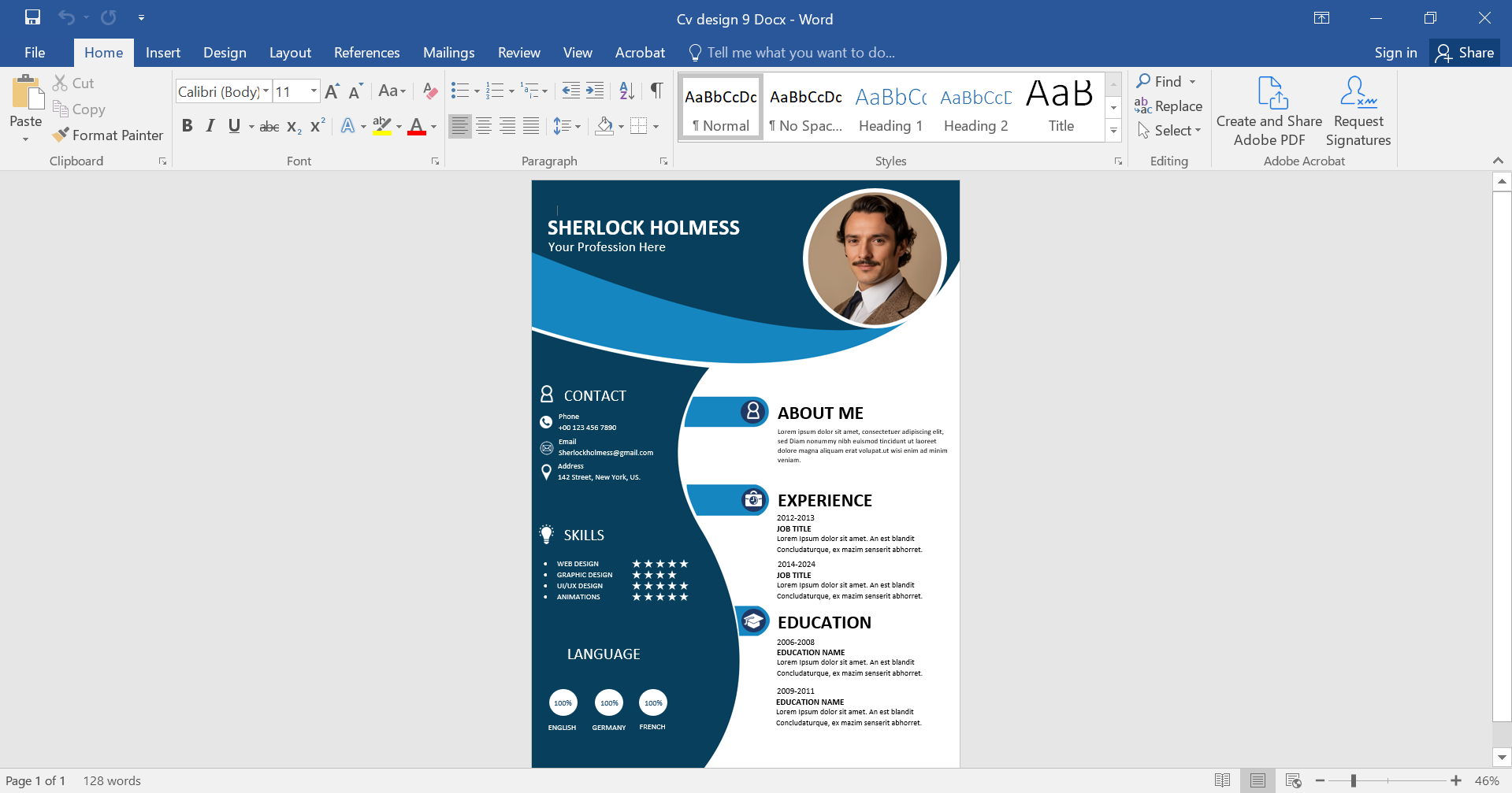
🎥 Video Tutorial: Customizing Your File
Why Investing in a Premium CV Template Matters
The job market is. A simple resume is not enough to get the attention of the best recruiters. When you use the MS Word CV Design 9 you are taking care of how you look as a professional. This template is not about looking nice it is about how the information is arranged. We made sure to balance the space and the text so the person reading it does not get tired. When a hiring manager looks at your application they see that you are organized and up to date.
The MS Word CV Design 9 also works with computers. A lot of templates you find online have problems when they are scanned by the systems that track job applications. This template does not have those problems. It uses formatting that helps the computers understand your information like your job titles and skills. Whether you are looking for a job from home or a job in your city the MS Word CV Design 9 is reliable.
We also think it is an idea to use this template with good content. A good design works best when you can show what you have achieved. Of saying you managed a team use the sections we suggest to say you led a team of 10 people and increased revenue by 20%. When you combine a design, with strong content you are more likely to get an interview. When you buy the MS Word CV Design 9 you are not just buying a file you are investing in a tool that will help you with your career.
Start Building Your Future Today
Take the first step toward your next career breakthrough.
Reviews
There are no reviews yet.