
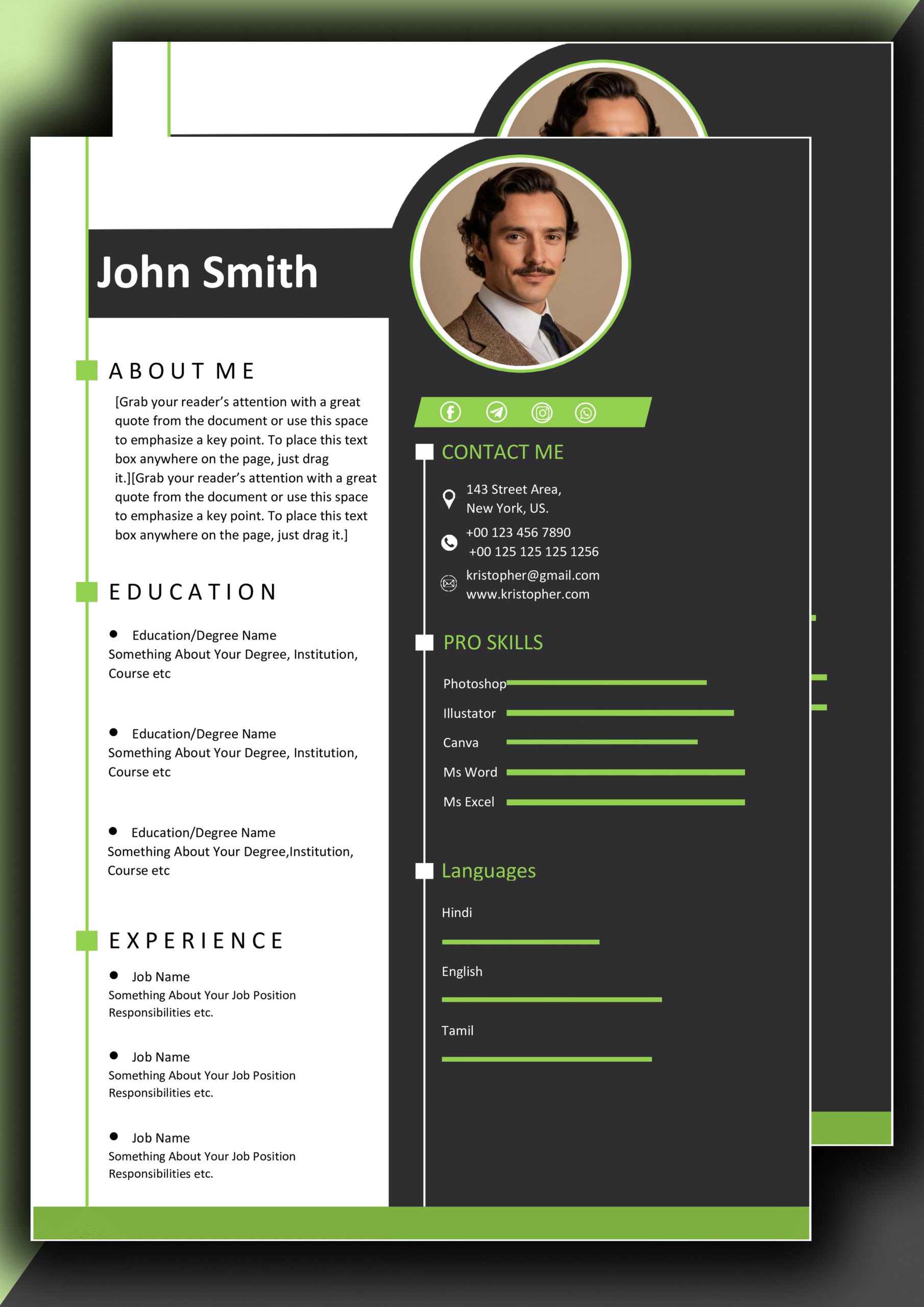
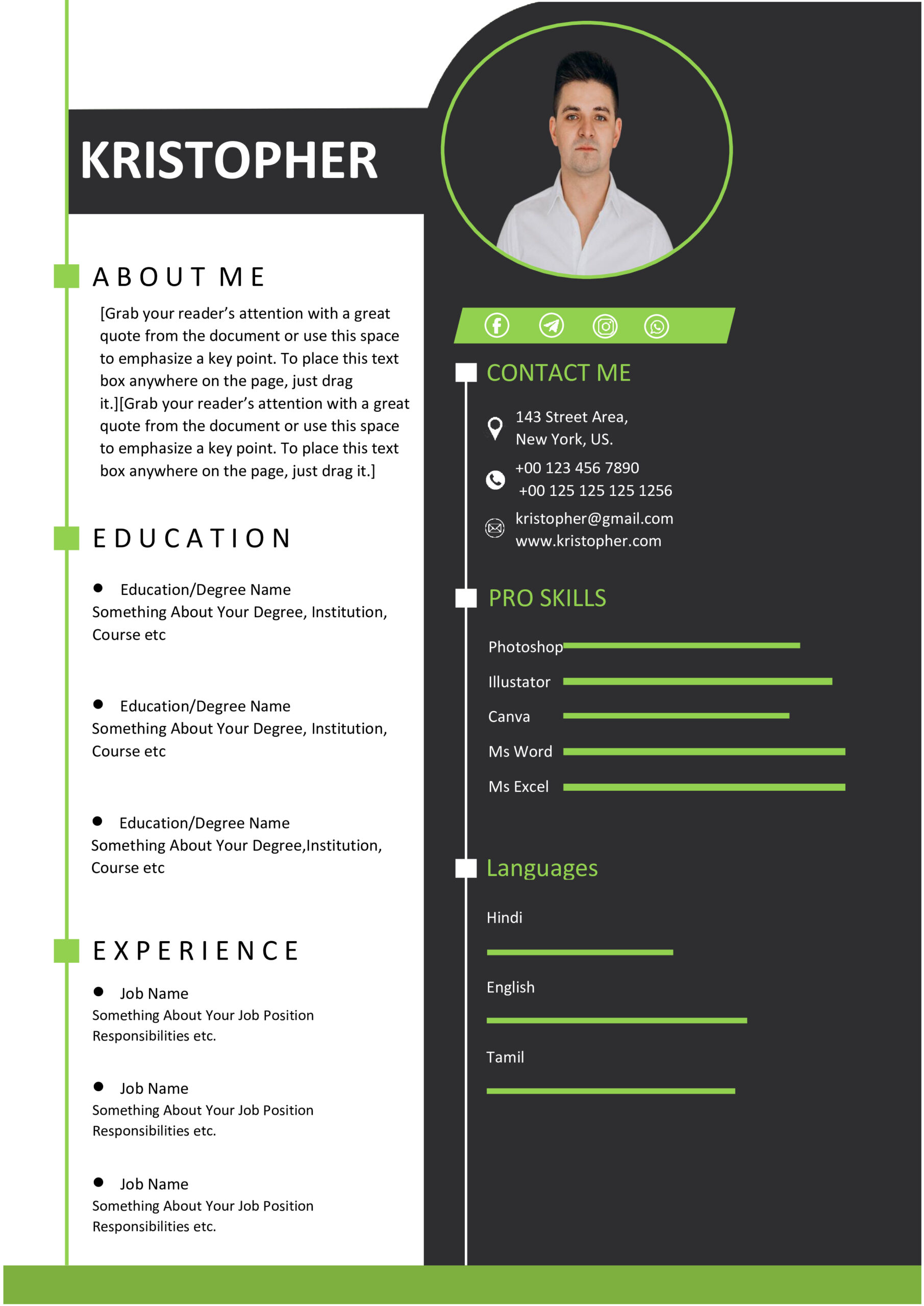
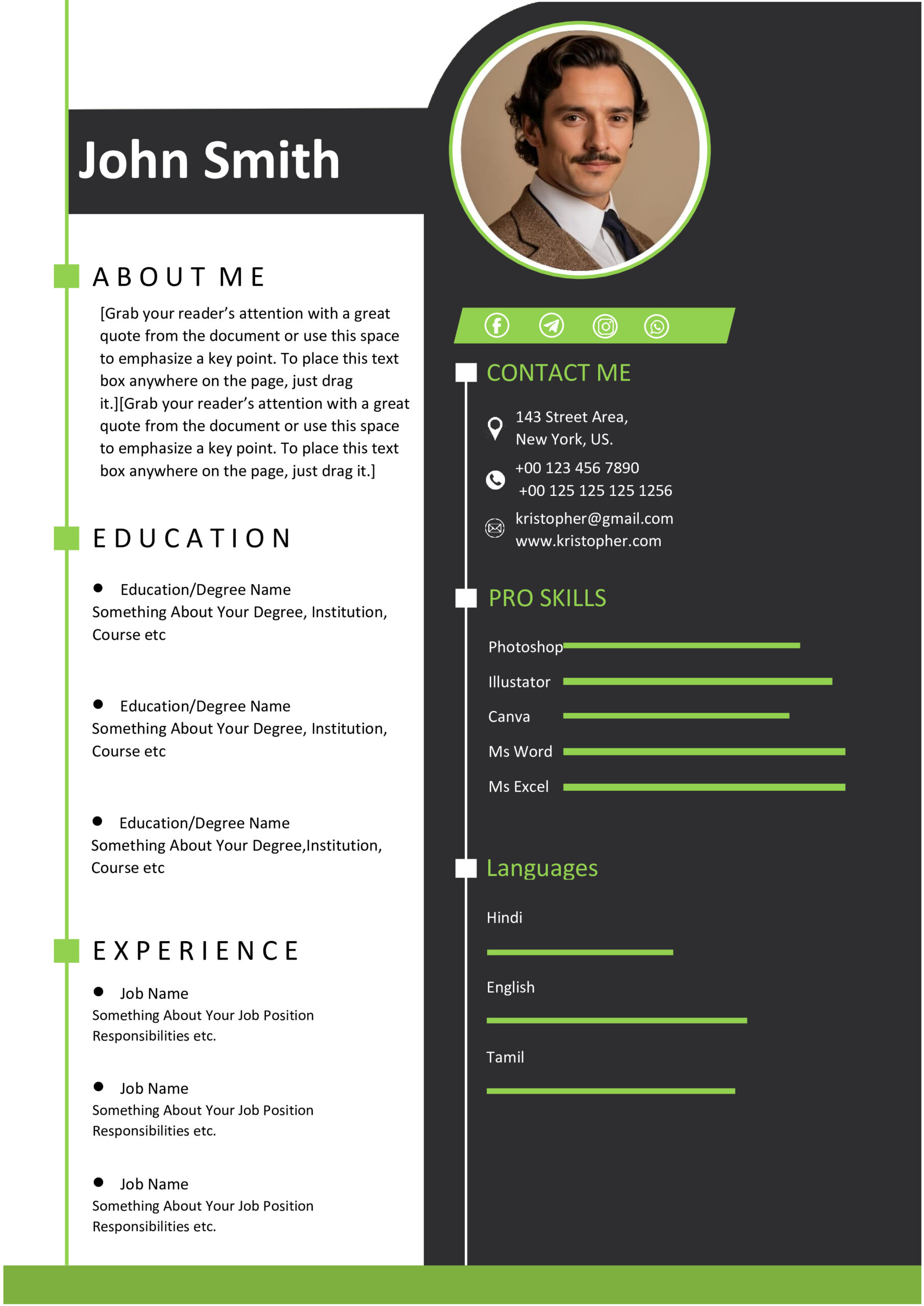
📝 Professional MS Word CV Design 10 – Fully Editable & Instant Download
We design CVs with utmost professionalism that will take you to another level.🎨 Premium Features of this Template:
- ✅ This resume template is really simple to modify. modify the Personal Details, Professional Summary Work History Education, Skills, Projects in this resume template to fit your needs. It is made for you to use.✅ The resume template has an professional look. It is made to work with computer systems that scan resumes so you do not have to worry about that. You can also print out the resume template if you need to. This format is good for any kind of job you want to apply for. The resume template will help you.✅ You can make this template your resume template easily. You do not have to be good at design to make changes to this resume template. You can just replace the sample text in this MS Word CV Design 10 with your information, such as your Personal Details and Work History.✅ This resume template works with Miscrosoft Word 2016 and any other version of Microsoft Word that came out after Microsoft Word 2016 including the version of Microsoft Word on your computer and Office 365. The Microsoft Word version on your computer will work fine with this resume template so you can use it without any problems.✅ The resume template has spaces for you to add your Projects, a list of your own skills and your best career achievements, in the resume template. You can add your details to the resume template to make it your own and include your Education and Certifications. The resume template is made for you to use and make your ouwn.
🚀 Benefits of Using This Template
A CV is more than a bunch of information. It’s how you present yourself to the world.
When you use our template you get some advantages.
### 1. Create a Strong First Impression
Hiring managers usually look at how your CV looks before they read what’s, on it.
Our Premium Professional MS Word CV Design 10 helps you stand out from thousands of people applying for jobs. It grabs the attention of people who hire others.
The way your CV looks is really important. Your CV is the thing people see.
### 2. Save Valuable Time
Making a CV from scratch can take a lot of time.
Our template is already set up for you. You just need to put in your information and make it fit what you need.
That saves you a lot of time and work. You can focus on things.
### 3. ATS-Friendly Optimization
Many good candidates are overlooked because their CVs don’t work with Applicant Tracking Systems or ATS.
Our template is designed to work with ATS.
That helps make sure your CV passes the automated checks.
### 4. Professional Appearance
The template uses fonts and colors that look good together.
Every part of it has been designed to make you look like a candidate.
The modern and polished layout fits with what professionals expect.
It looks great. Will make a good impression.
💎
# Why You Should Pick Our Professional MS Word CV Design 10
There are a lot of CV templates you can find online but a lot of them are old look bad or are hard to change. Here are the main reasons why our Professional MS Word CV Design 10 is better than the others:
### Nice Looking Text
Our template has modern fonts that are easy to read and will make a good impression, on the people who are hiring. The Professional MS Word CV Design 10 has fonts that are chosen to make your CV look great.
### You Can Change The Design
You can easily change the parts of the CV move things around change the colors and make the layout the way you want it. The Professional MS Word CV Design 10 is made to be very flexible so you can make it look the way you like. It will still look professional.
### We Have A Video To Help You
We do not just give you a template we also give you a video that will show you how to change things and make a CV that the computer systems can read easily even if you do not know much about it. The Professional MS Word CV Design 10 comes with a video tutorial.
### Buy It Once And Use It Forever
You only have to buy the Professional MS Word CV Design 10 one time. Then you can use it for a long time. You can change the information whenever you need to and use it to apply for jobs without having to buy a new template.
### The Layout Is Well Organized
You do not have to worry about how thingsre spaced out or lined up. Every part of the Professional MS Word CV Design 10 is carefully made to look clean and professional. The Professional MS Word CV Design 10 has a layout.
📦 What You Will Receive:
- 📄 MS Word CV Template (.DOCX format)
- 🎥 Full Video Tutorial Instructions Guide for easy customization and optimization tips for Professional MS Word CV Design 10.
📌
Common Uses:
✔️ People looking to advance their careers want a resume that shows growth.
✔️ IT folks and developers need a layout that focuses on tech skills.
✔️ Marketing and creative types want a design that shows off their style.
✔️ New graduates need a professional CV template, in MS Word to get their career started.
✔️ Executives and managers use these for high-level leadership jobs.
If you need a custom version of Professional MS Word CV Design 10 (e.g., industry-specific format, additional portfolio sections, etc.), please click on the following button:
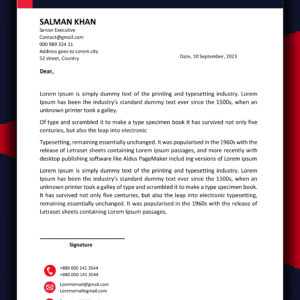
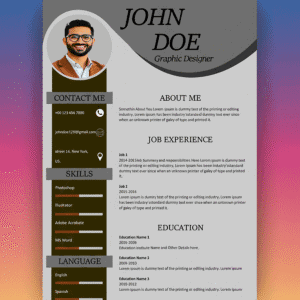
🖼️ Preview of the Layout:
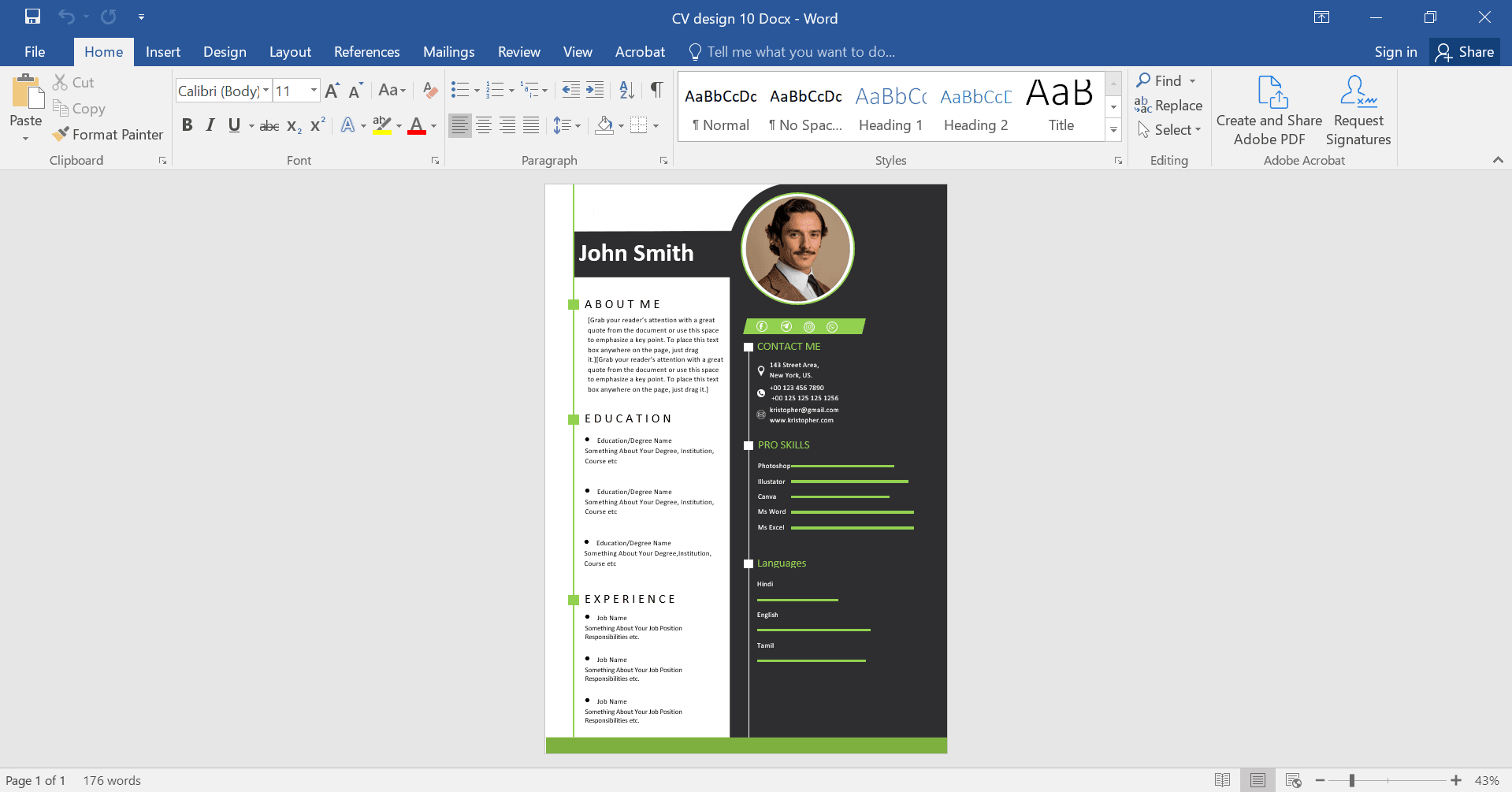
🎥 Template Customization Video Tutorial
❓
Need More Services?
If you need help with your resume or any other design services, contact us now. We are available 24/7!
📞 Quick Response • Professional Assistance Available




Reviews
There are no reviews yet.