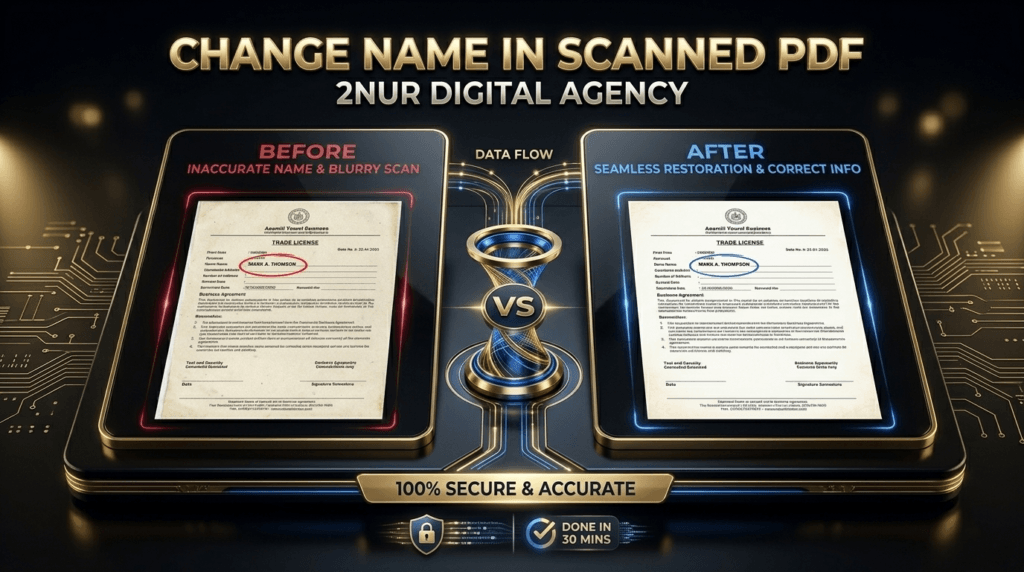
Need to Change Name in Scanned PDF?
I Edit Scanned Documents Manually — Fonts, Texture & Layout Stay 100% Original.
Font from scan
I identify & recreate the exact font style
Texture preserved
Paper grain, folds, stains, aging
1-min response
Real human, no bots
🖨️ How I change a name in scanned PDF
Editing a scanned PDF is an art. Automated tools destroy fonts and flatten textures. Here's my proven manual workflow:
- Analyze the scan – I study the original name's font, size, spacing, and even ink pressure.
- OCR + font matching – I extract the text zone and find or rebuild the exact font — even typewriter or cursive styles.
- Pixel-level Photoshop edit – I replace the name manually, blending new text with original paper grain, shadows, and noise.
- Texture overlay & verification – I add back any crease lines or dust spots. You get a side-by-side comparison.
Result: The new name looks like it was scanned 10 years ago with the rest of the document. Zero detection.
💰 Pricing — change name in scanned PDF
✅ Included: Font matching, texture preservation, unlimited revisions, delivery within 4-8 hours.
⚡ Rush (2-3 hours): +50%
💡 Not sure? Send me your scanned PDF. I'll quote you in 1 minute — and offer a free sample edit (change one small name) so you can see the quality firsthand.
📸 Real example: Changing name on scanned certificate
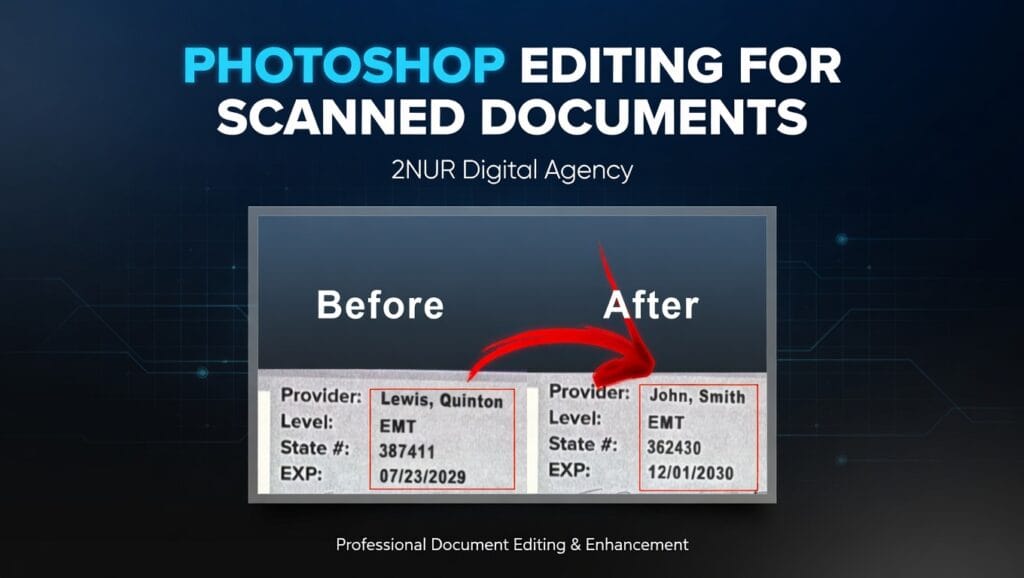
Last month, a client needed to change a misspelled last name on a scanned university certificate. The scan had paper texture, faded ink, and a slight fold mark. I matched the serif font perfectly, recreated ink bleeding, and blended the new name with the original grain. Here's the result:
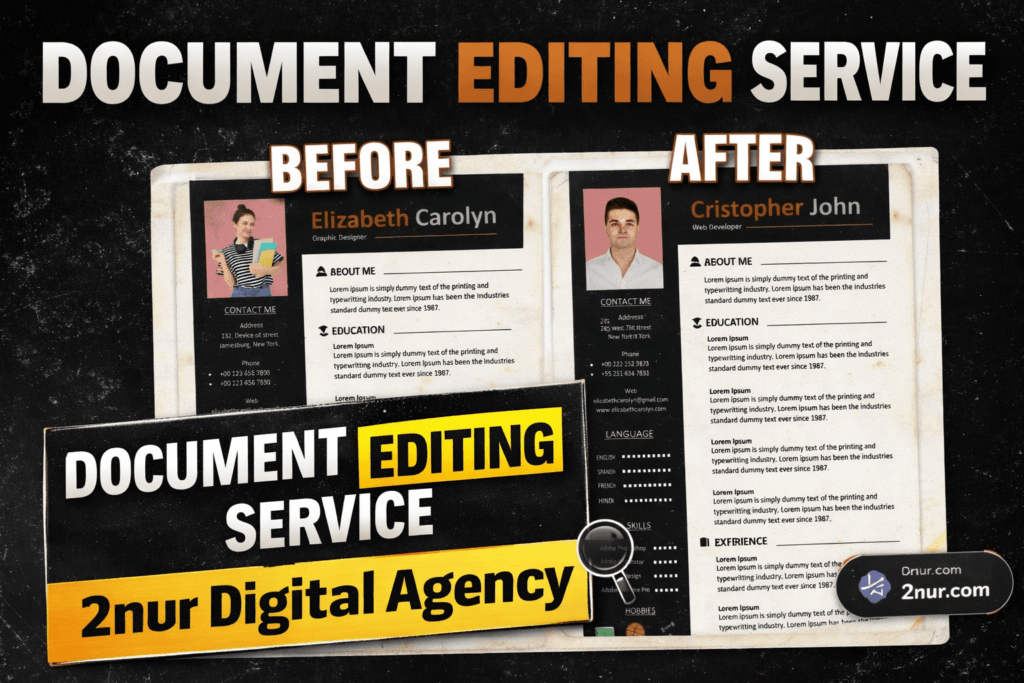
⬅️ Left: original scan with old name. Right: my edit — same exact font, paper texture preserved, edit invisible.
👀 Want me to prove it on YOUR scanned PDF? Message me. I'll change one name for free. No payment, no risk.
📑 Scanned documents I handle (name change)
If you have any scanned PDF with a name that needs to be changed — I've likely done it hundreds of times.
🙋 Why trust me with your scanned PDF?
- ✅ Manual Photoshop expert – every edit is done by hand, no filters or AI.
- ✅ Font recreation from scratch – even if the font is unidentifiable, I redraw letters to match.
- ✅ Texture & aging simulation – I add back noise, grain, fold shadows, ink variations.
- ✅ Confidential & secure – NDAs available. Files deleted after delivery.
- ✅ 1-minute response – no chatbots. I reply fast, day or night.
📞 Ready to change a name in your scanned PDF?
Here's how simple it is: WhatsApp or email me the scanned file, tell me the old name and the new name. I'll reply within 1 minute with a fixed price and delivery time. Plus, I offer a free sample edit (change one small name area) so you can judge the quality before paying.
🔒 Confidential & secure. Your scanned document stays private. No third parties. No AI training.
❓ Frequently asked — change name in scanned PDF
Absolutely. I work with grainy, skewed, or low-resolution scans daily. I manually enhance the area, reconstruct letter shapes based on visible strokes, and match the font style. The result looks natural.
Yes, I edit handwritten names too. I analyze cursive style, slant, pressure, and replicate it digitally. I've edited many scanned forms, love letters, and vintage documents with handwriting.
Never. I blend the new text into the existing paper texture — folds, stains, grain, even ink fading. I also replicate any background noise so the edit is completely invisible.
Standard delivery: 4-8 hours. Rush available (2-3 hours). And I always respond within 1 minute after you message me.
Most simple scans: $15. If the scan is very old, rotated, or has complex background, $25–$35. Send me the file — I'll give you a firm quote in 1 minute. No hidden fees.
I follow strict ethical guidelines. I edit documents for legitimate purposes: correcting typos, design samples, personal archives, or with explicit permission. I do not facilitate fraud. You are responsible for lawful use.
So — need to change a name in a scanned PDF? You've found the right human. No AI, no generic tools. Just me, Photoshop, and years of experience matching fonts from tricky scans.
👇 Send your scanned PDF now. I'll reply in 60 seconds.
⭐ Free sample edit available · 1-min response · From $15 only
— Nur (2nur), independent PDF editor. 2nur.com