
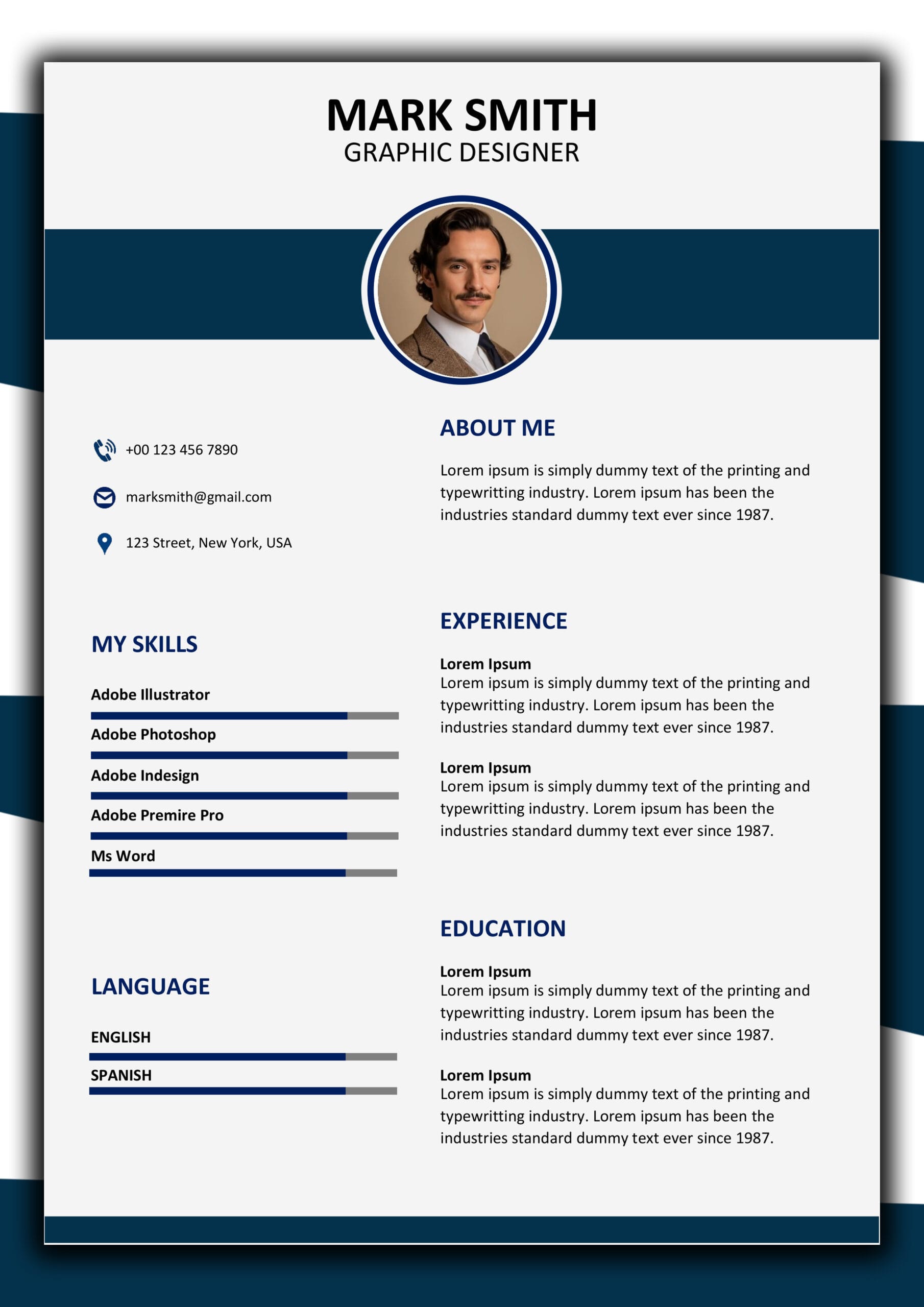
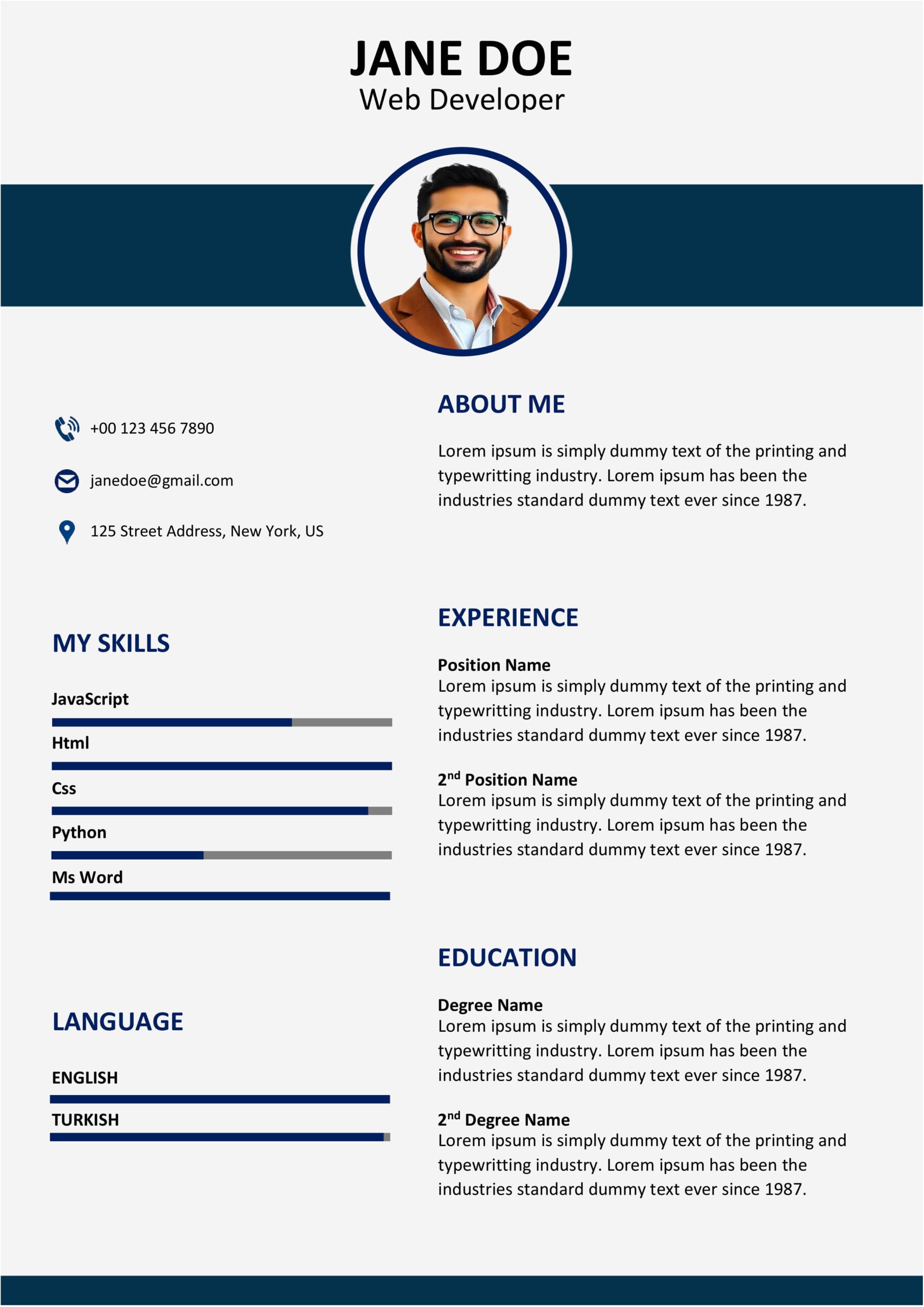
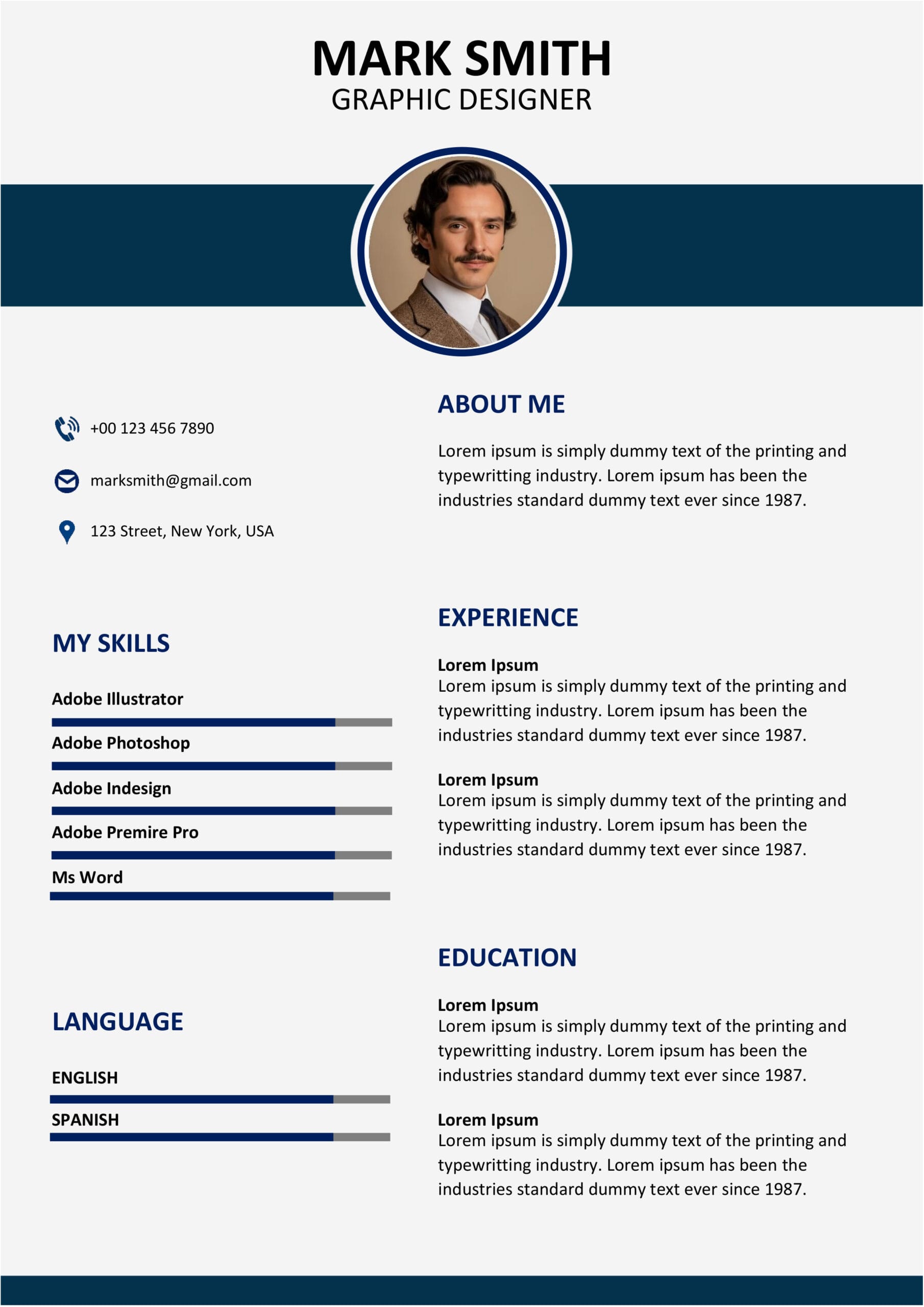
MS Word CV Template – Design 14
Your Career with an Industry Standard Resume
Having a time getting recruiters to notice you?
In todays job market the first thing people look at is your resume.
We have an MS Word CV Template that can help you get your resume, past the computer systems that screen them and get it seen by a person. This template has a look that people like.
You can easily put in your work history and experience and people can see it clearly.Our MS Word CV Template helps you stand out from all the resumes.The MS Word CV Template also looks really modern and professional.
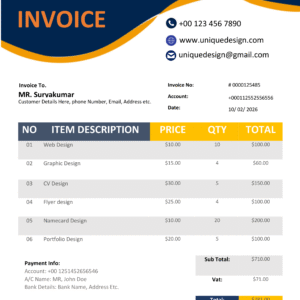
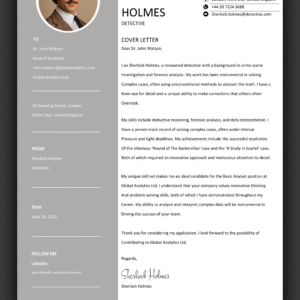
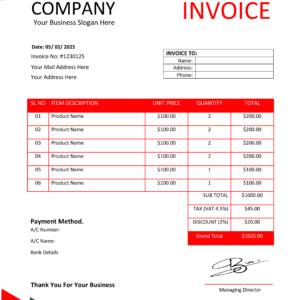
🖼️ Visual Design Overview
Maximize Your Job Search Success
Choosing the format is very important for your career growth.
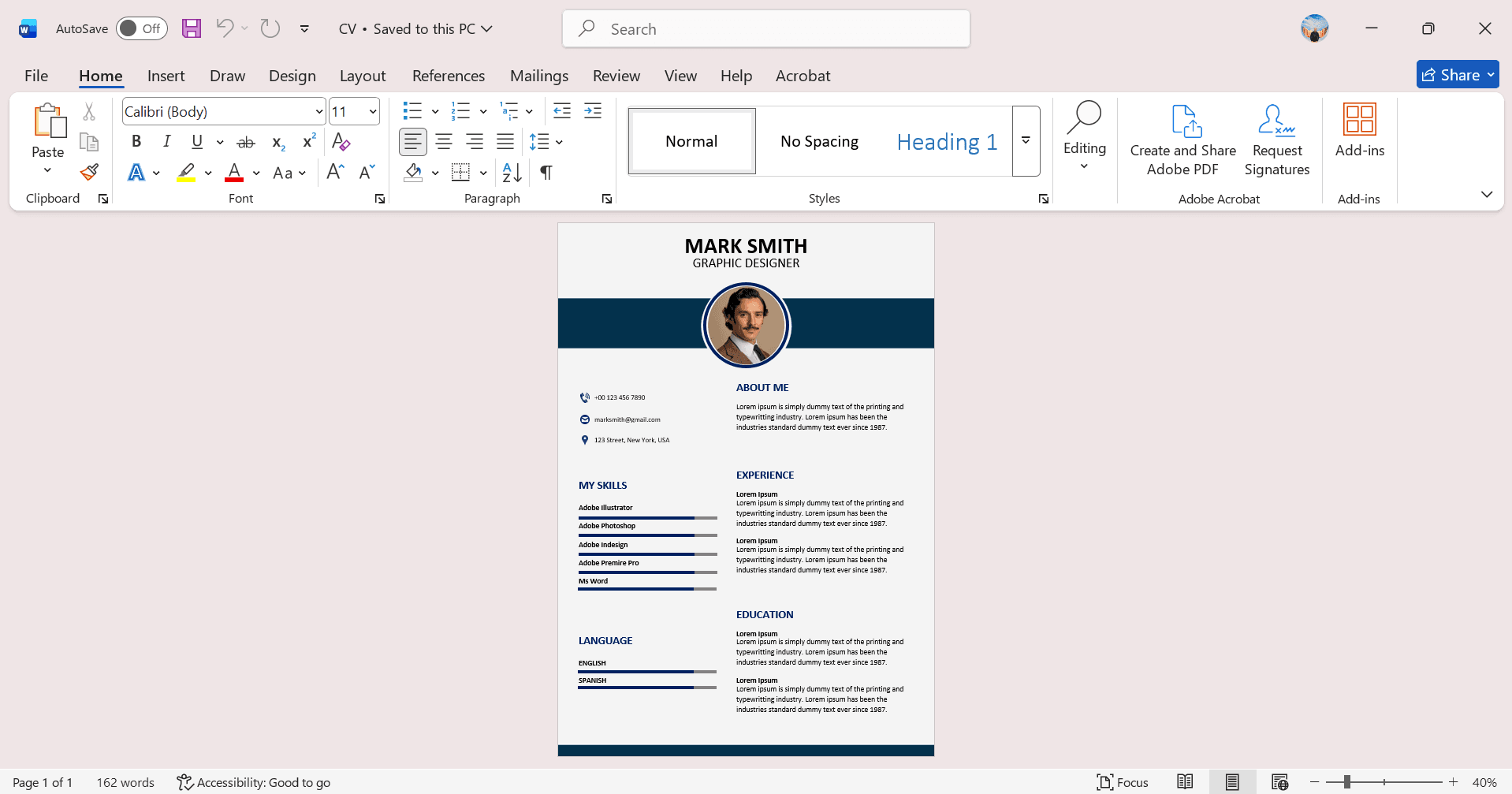
This MS Word CV Template is a tool.It follows the job recruitment trends used by big companies around the world.If you just finished university or have years of work experience this document will still work well for you.The **MS Word CV Template** is fully compatible, with Microsoft Word, making editing a breeze.
Many job seekers make a mistake by having much information on their profiles.Our design solves this by using space to make it easy to read and understand. This way you can focus on the details. When you have finished customizing you can easily save it as a PDF file. Most companies and LinkedIn prefer PDF files when it comes to job applications. So our design helps you to create a profile that stands out and is easy to share. You can export your profile to PDF. Apply for jobs, with confidence.
.
📺 Step-by-Step Customization Guide
💎 Core Benefits
Fast Access
Receive your download links instantly via email your purchase is confirmed.
✍️ Simple Editing
No complex software needed. Simply open the file and type details.
Hiring Ready
Designed with optimized layouts to compatibility with modern HR software.
Here are the instructions to follow:
* First you need to download the zip package. Then you have to unzip it.
* Next thing to do is open the Word document, in the word processor that you like to use.
* Now you have to update the sample information in the Word document with your details. You have to put your information in the Word document.
* When you are done with updating the sample information in the Word document you have to finish the document and then save the Word document for your application.
If you need assistance with your MS Word CV Template, our support team is ready to You can also find additional icons at Font Awesome.
Reviews
There are no reviews yet.